Bridge A.I.
Get the Bridge A.I. app
Bridge A.I. is an iOS app by Marc Kerstein. Get the app from the AppStore:
apps.apple.com/us/app/bridge-magic-app-ai/id6739980516
API & A.I. Access add-on needed
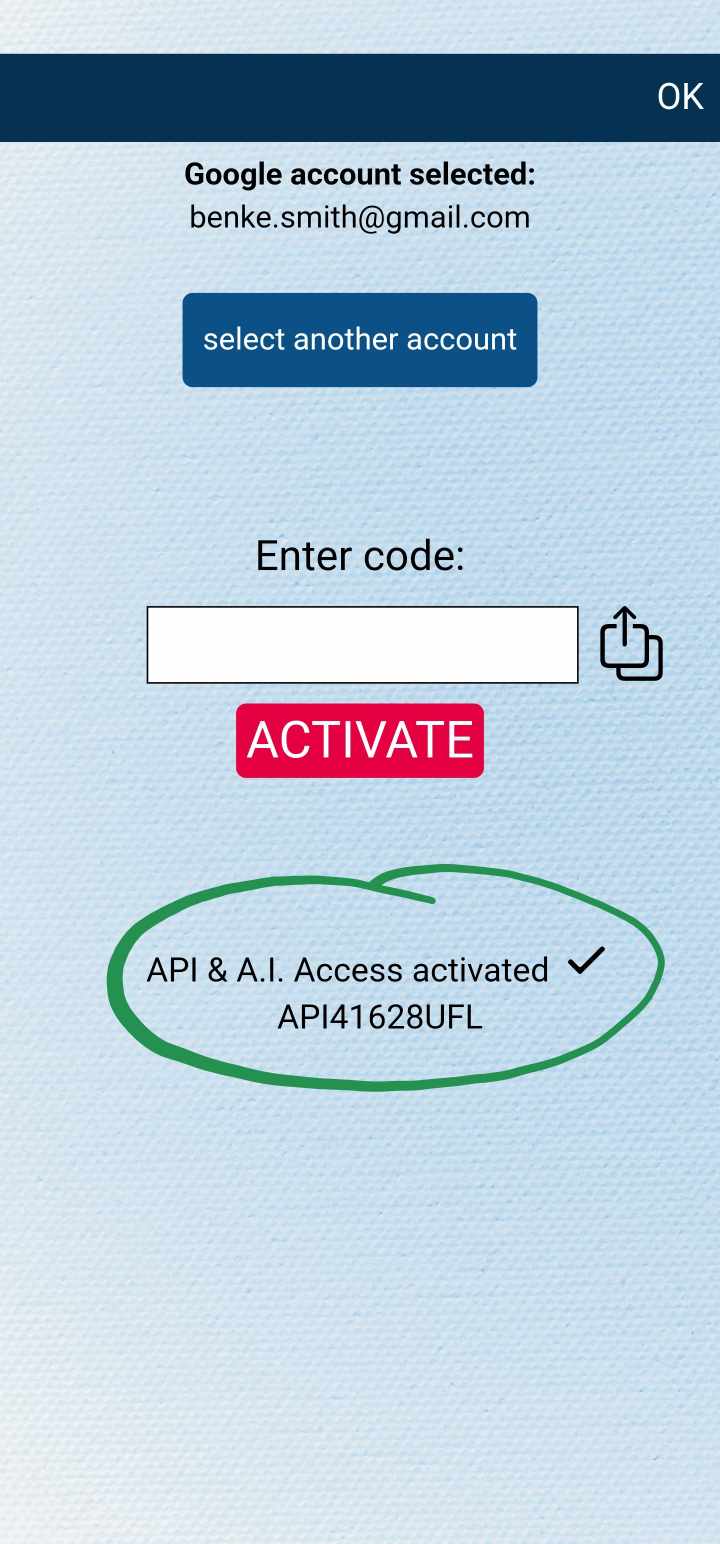
You will need to have the API & A.I. Access add-on for sending data to Bridge. You can either purchase the add-on separately, or subscribe for MysterSmith (which will give you access to all available add-ons). You can purchase the add-on here:
bsmagic.app/payment/index.php?item=sendtoapi
Copy/paste your Bridge URL
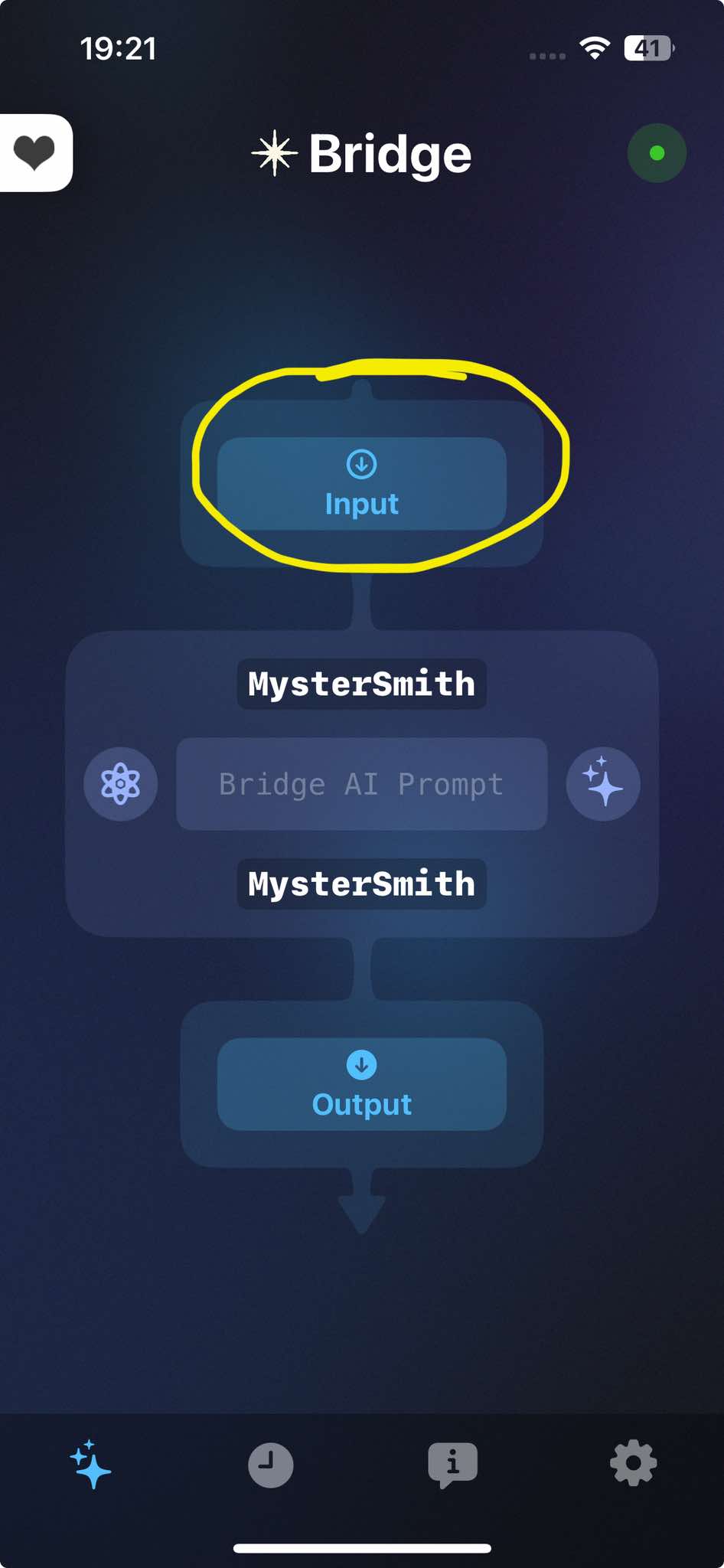
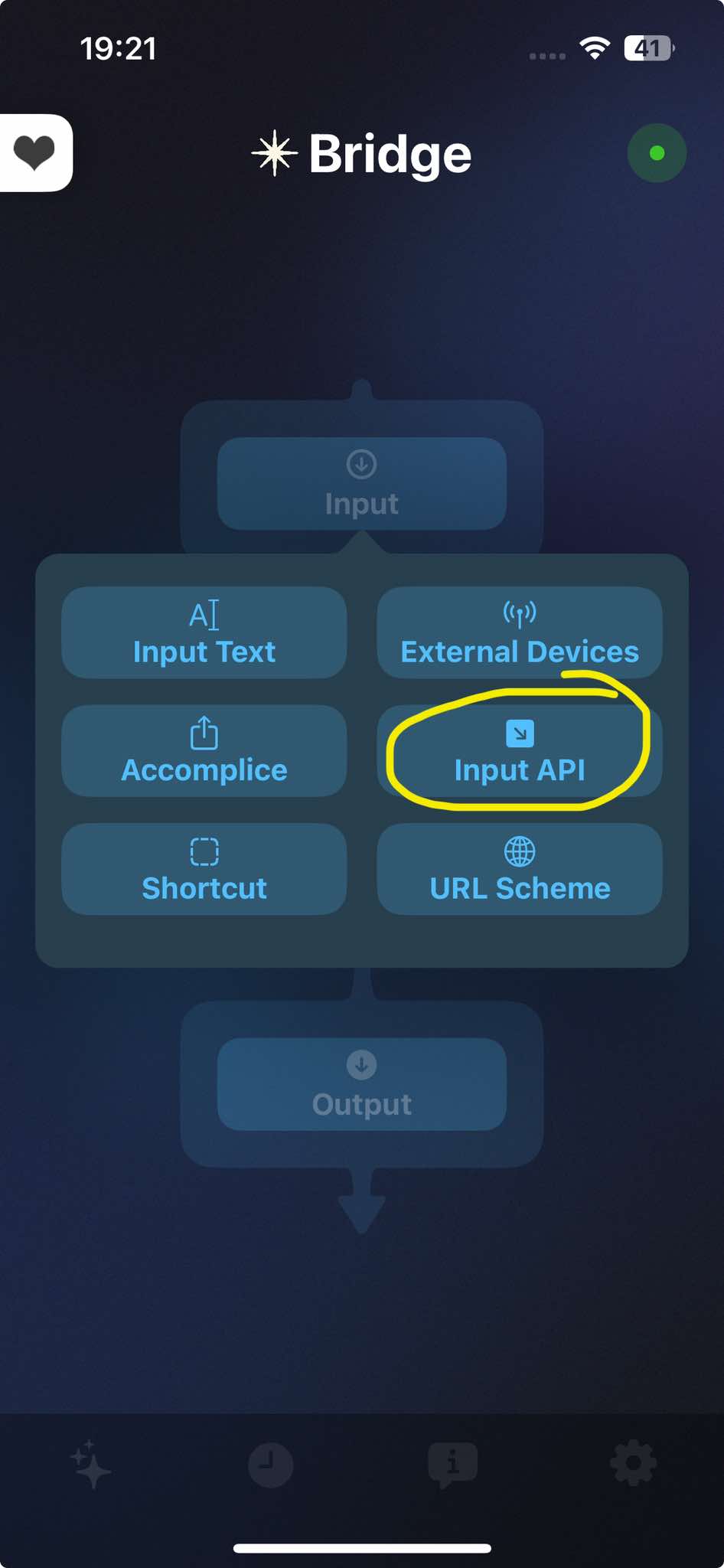
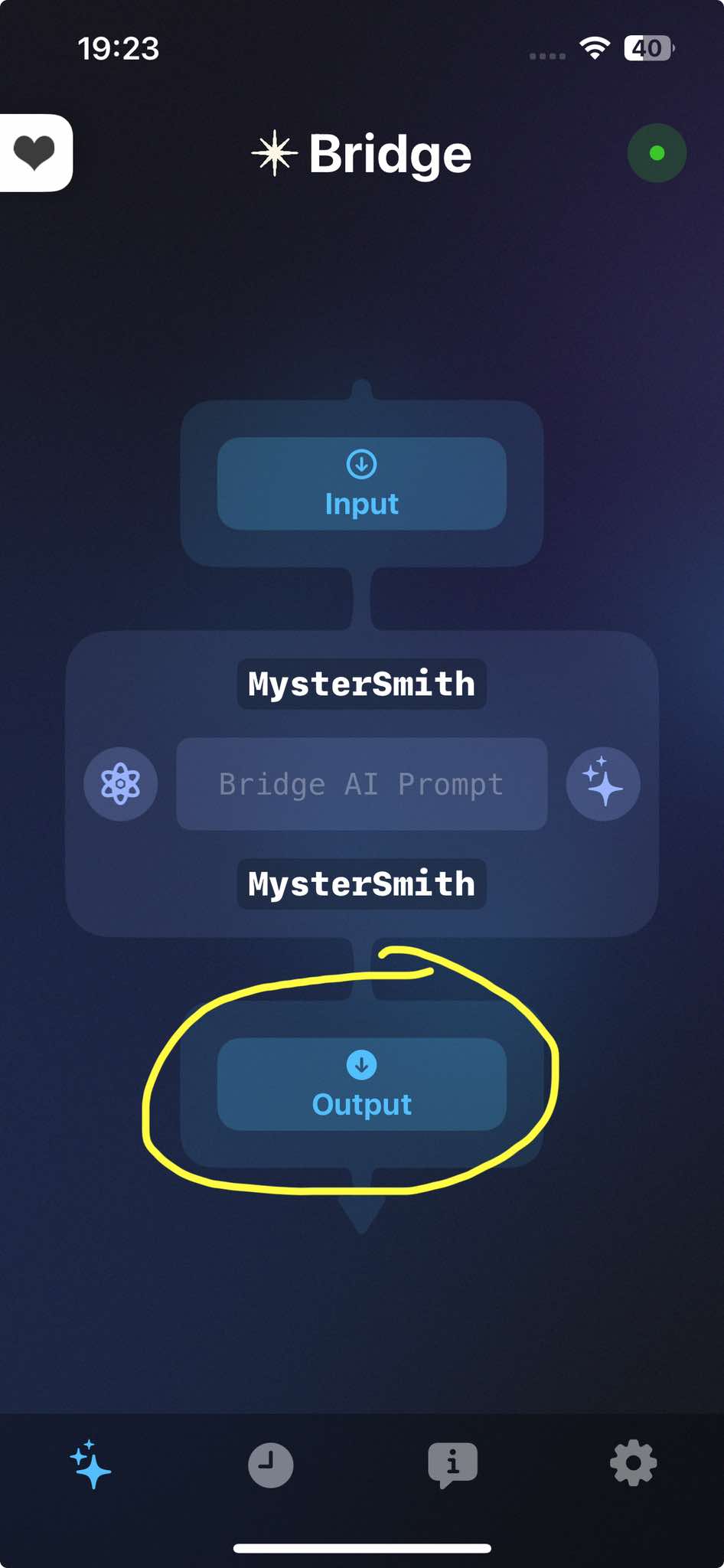
- open the Bridge app
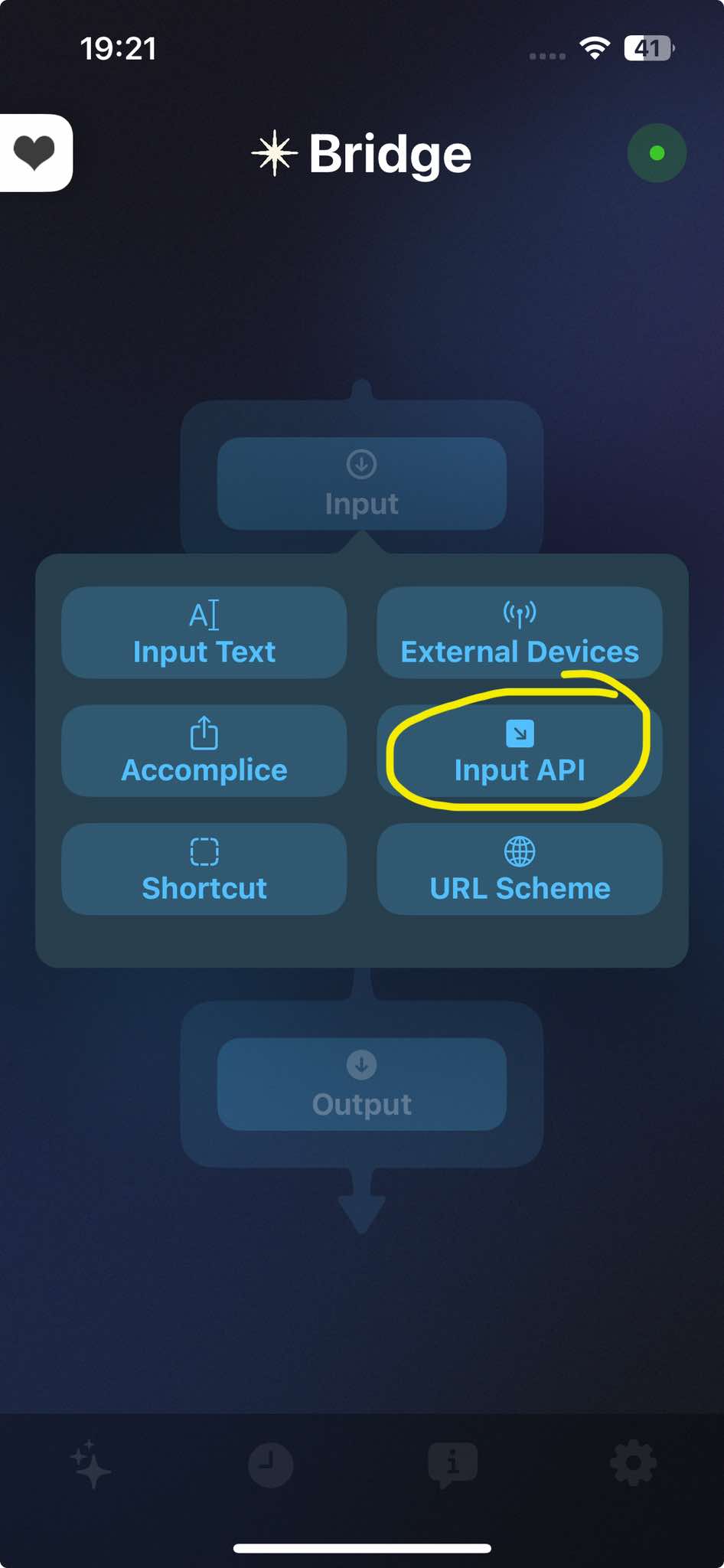
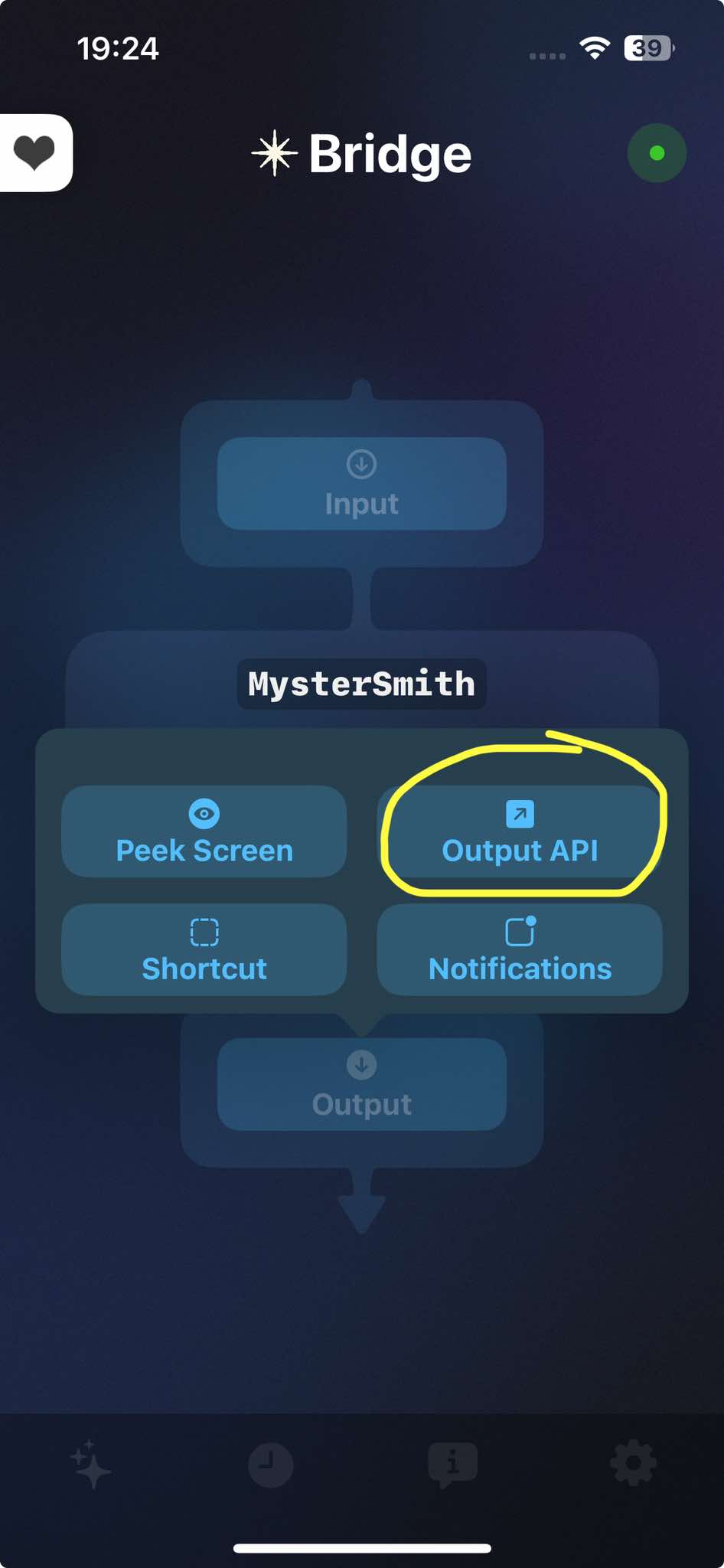
- tap on Input
- select "Input API"
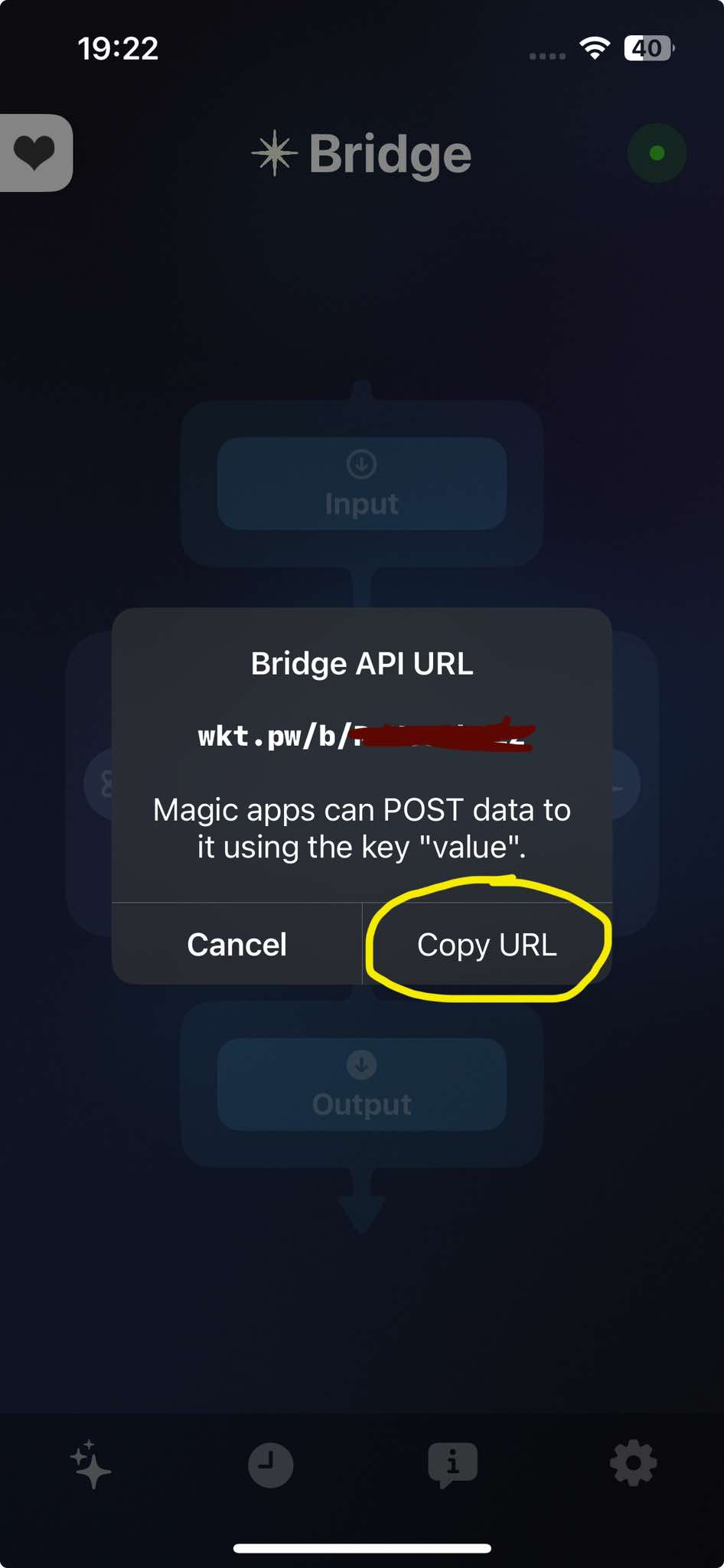
- tap on "Copy API URL" To Clipboard
(the same API URL is used to send data from Bridge to MysterSmith)
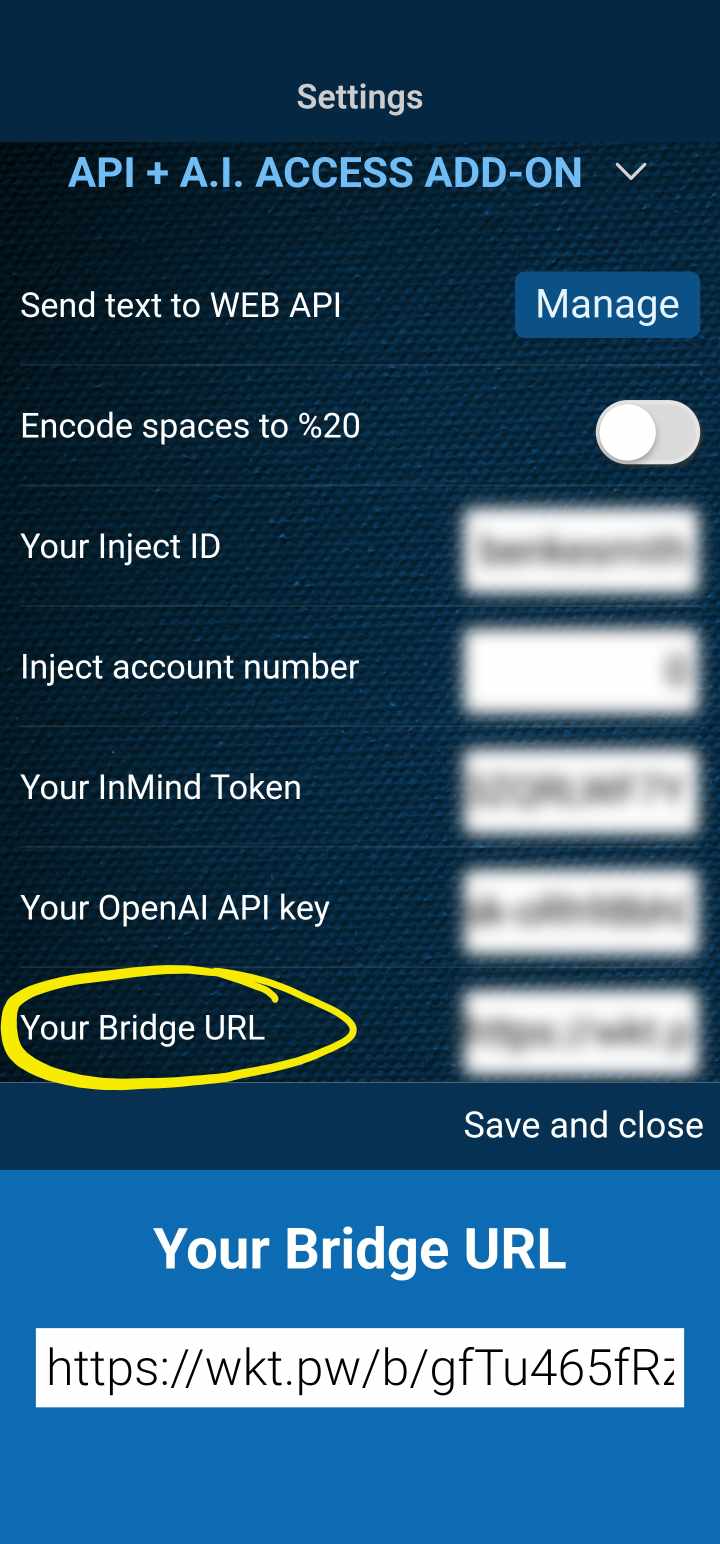
- open MysterSmith
- go to Settings, and scroll down to API + A.I. ACCESS ADD-ON
- find "Your Bridge URL" and paste your URL
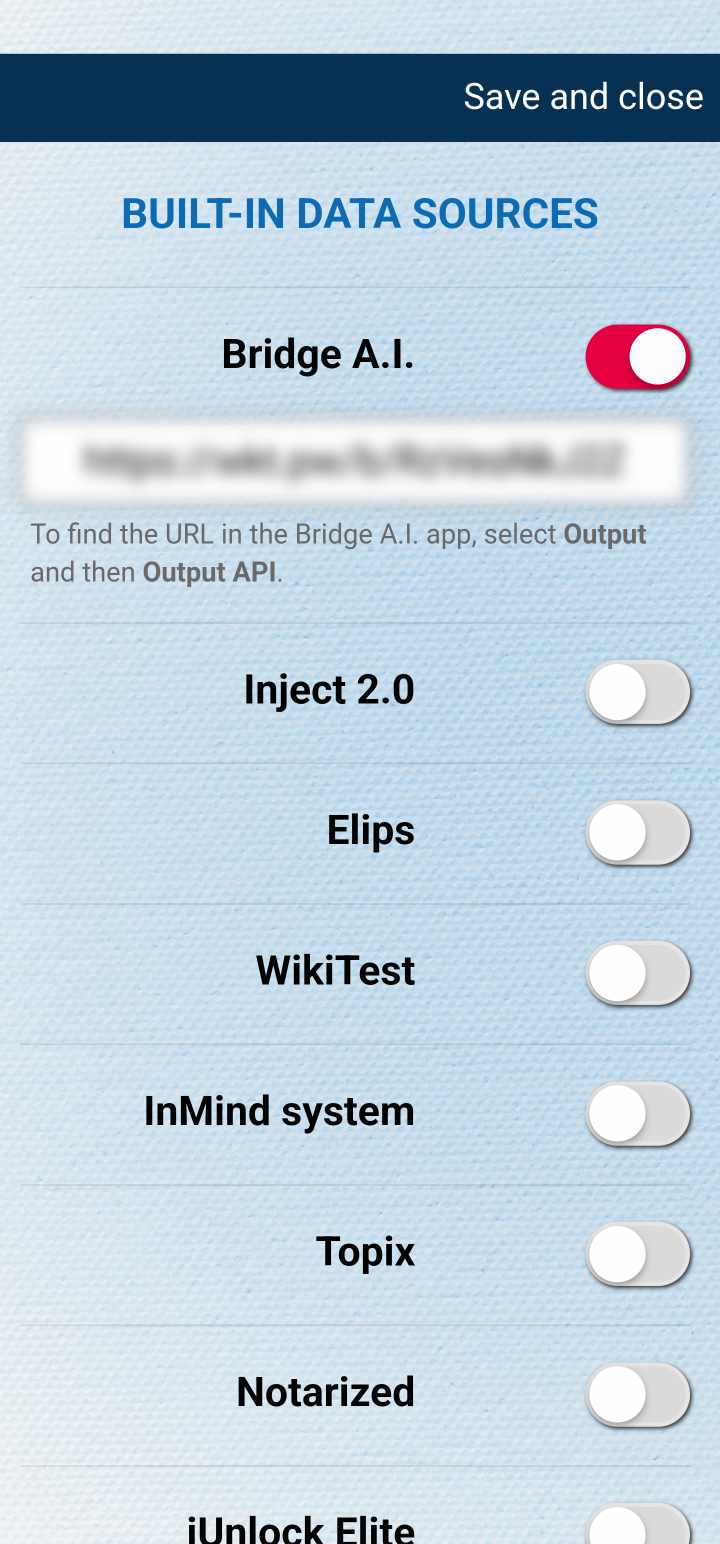
- alternatively (if you only want to receive data), go to WEB-POLLING, edit WEB data sources, enable Bridge A.I. and paste your API URL
Receive data from Bridge
- you don't need to open/run the Bridge app on your iPhone
- go to Settings, WEB-POLLING, edit WEB data sources, enable Bridge A.I. and make sure your API URL is entered
- start WEB-polling
- you will start receiving new data from Bridge
Send data to Bridge
- you don't need to open/run the Bridge app on your iPhone
- make sure you have the API & A.I. Access add-on (purchased separately, or subscribed)
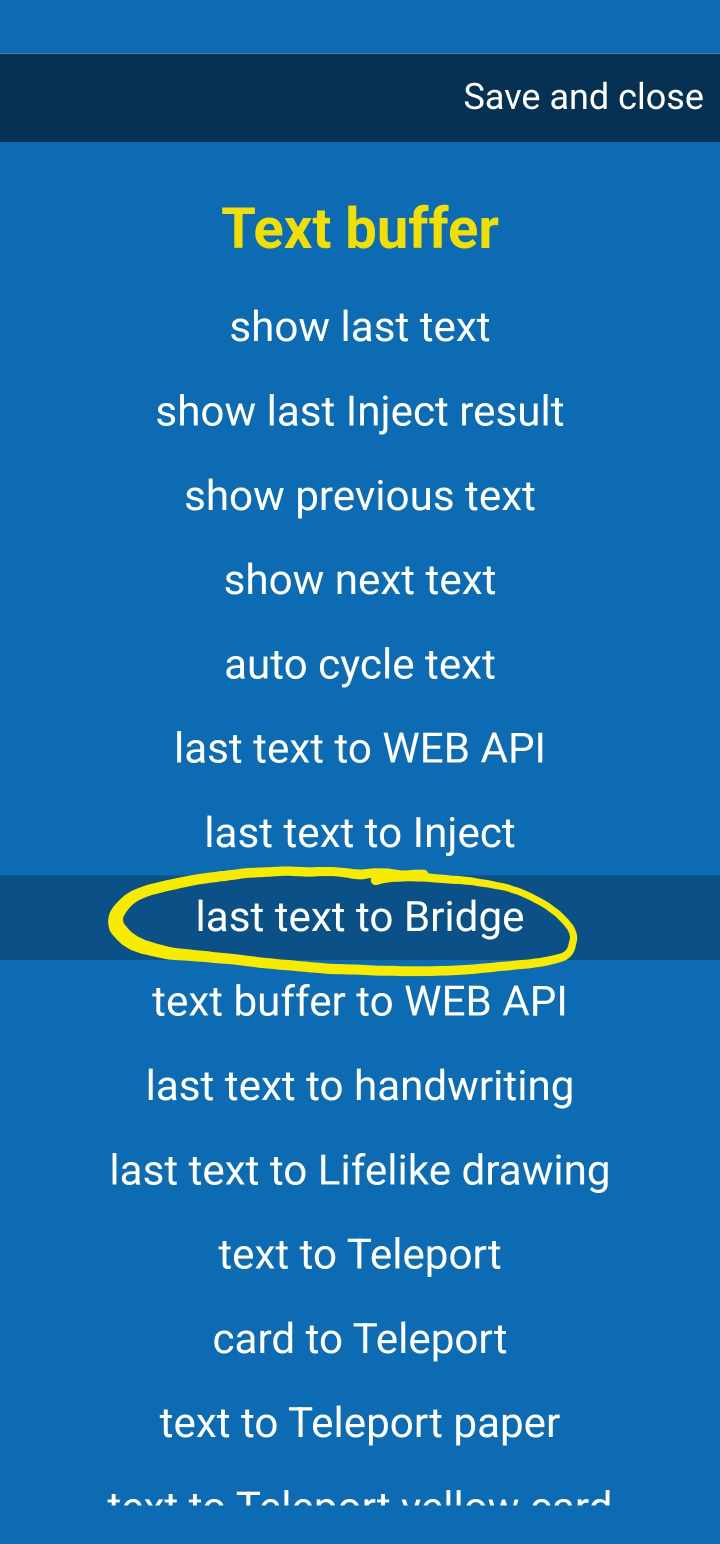
- you can invoke the action "last text to Bridge" by any trigger available (PS3 button, volume button, Atom 2 remote, Apple watch tap/swipe, or even automatically after recognizing a text)
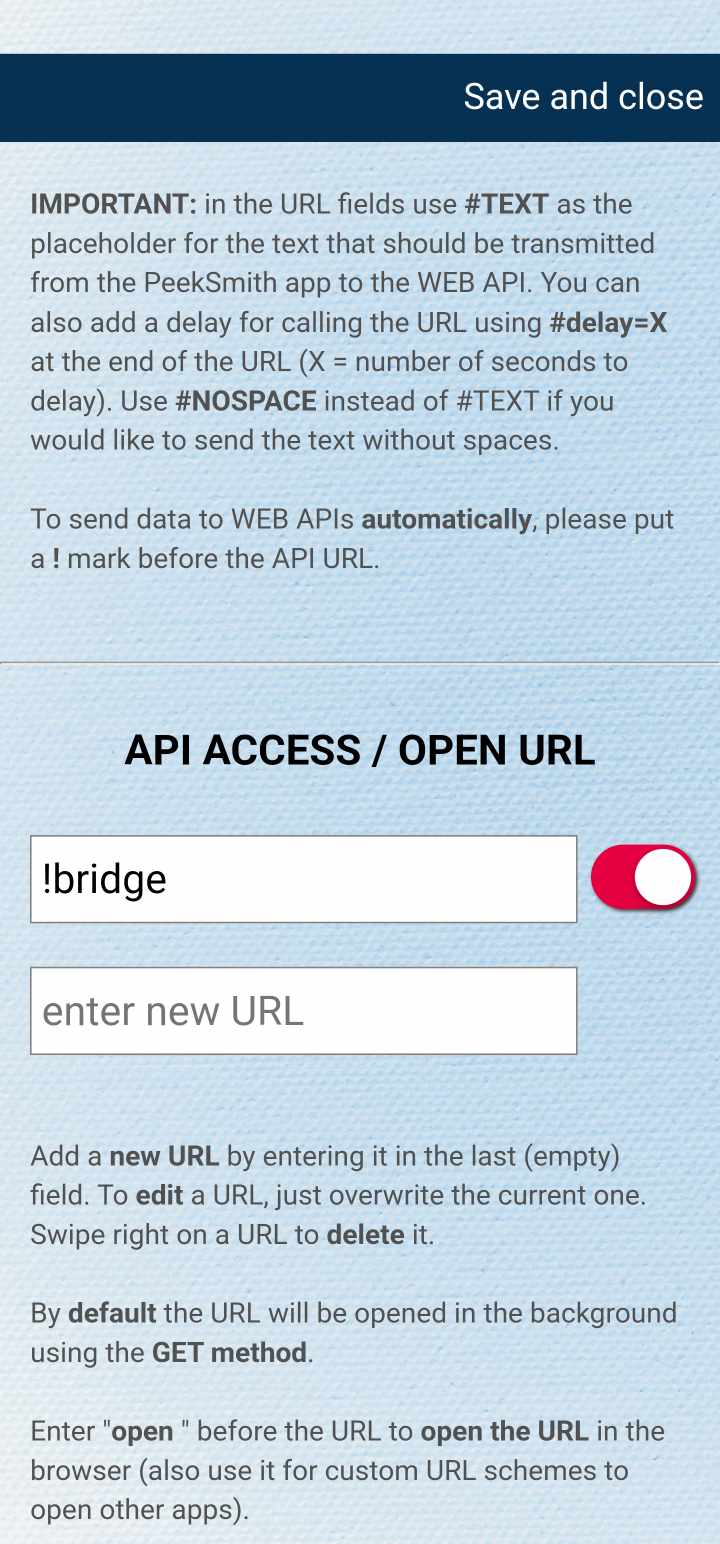
- or you can go to API + A.I. ACCESS ADD-ON, "Send text to WEB API" -> "Manage", and enter "bridge" (or "!bridge" to send text automatically)
Full routine idea
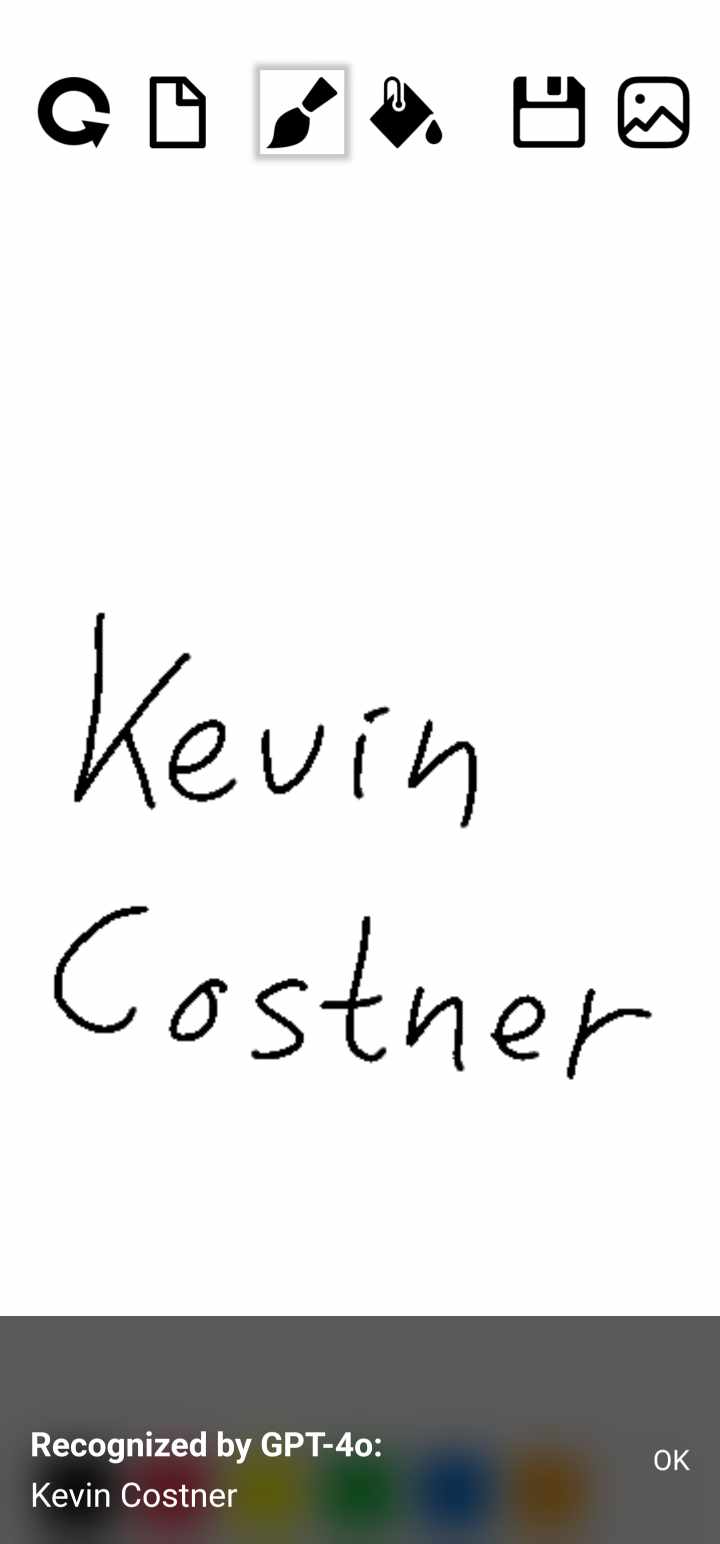
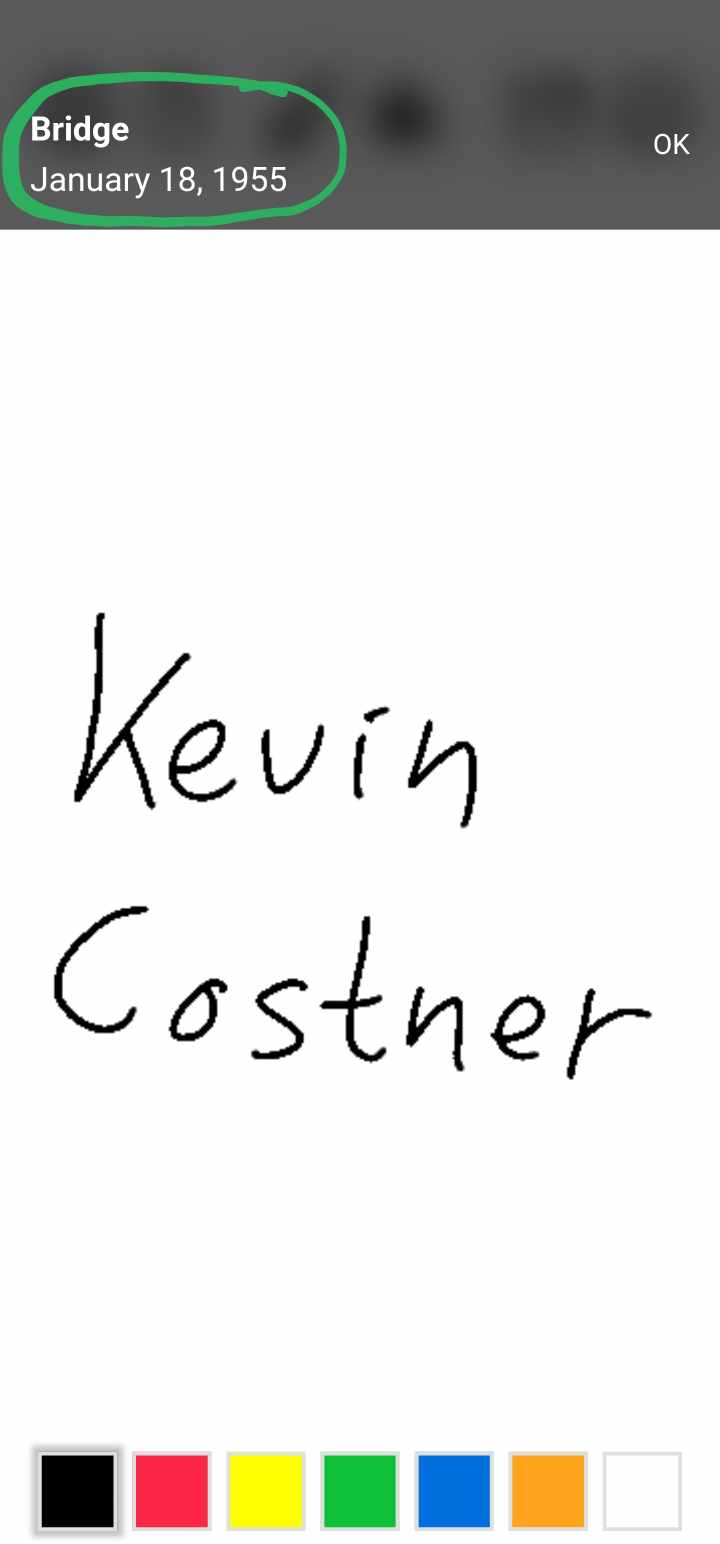
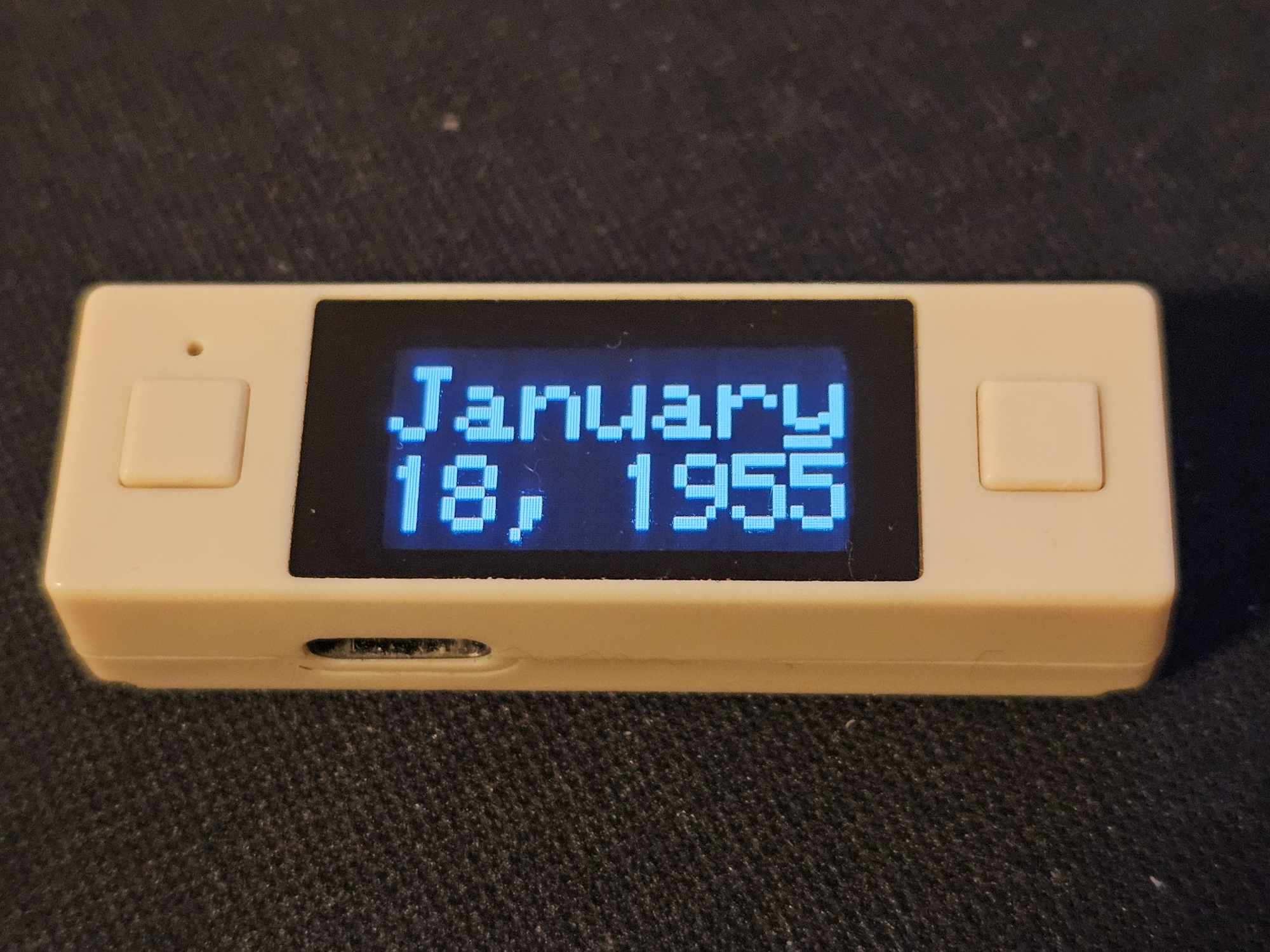
Your spectator writes the name of a celebrity on an impression board, and you peek the birthday of the celebrity on your PeekSmith 3.
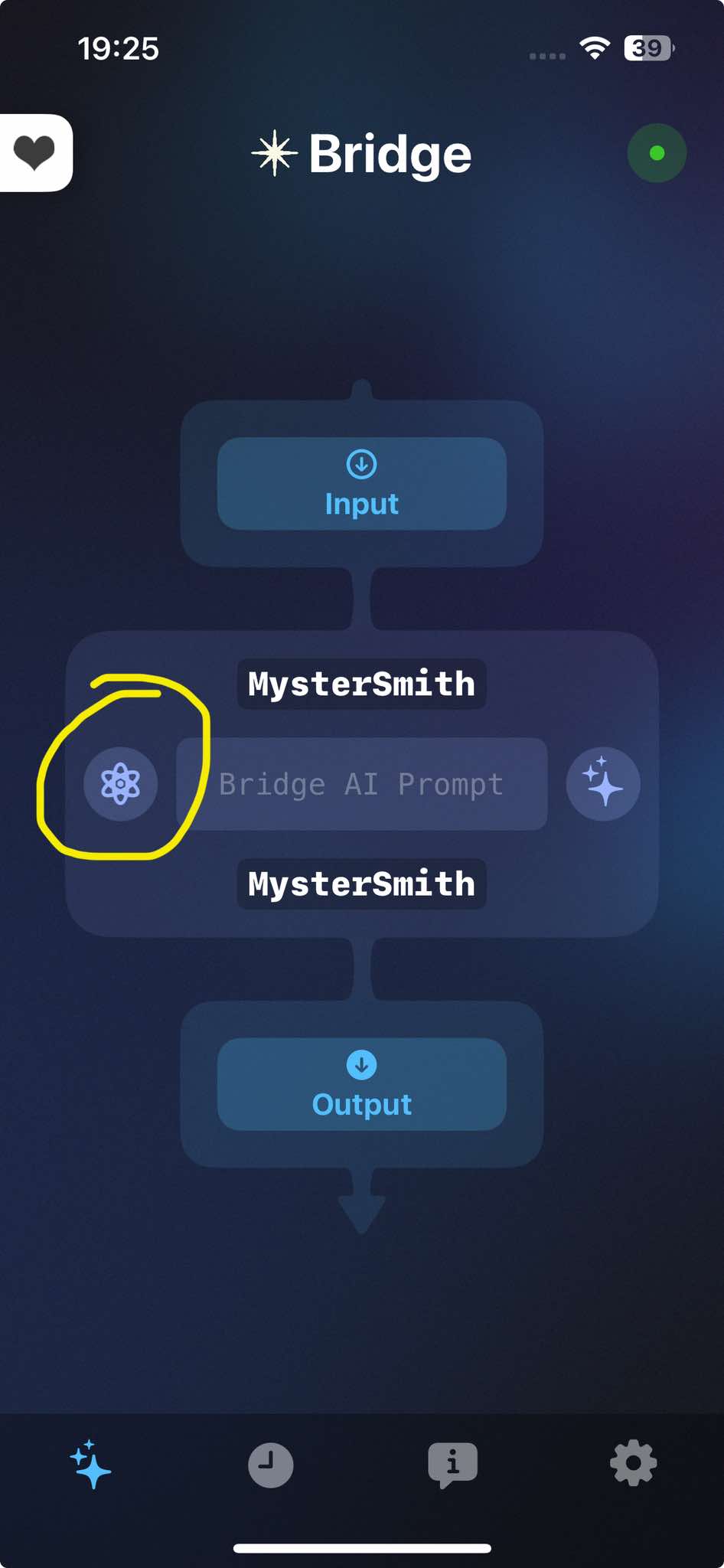
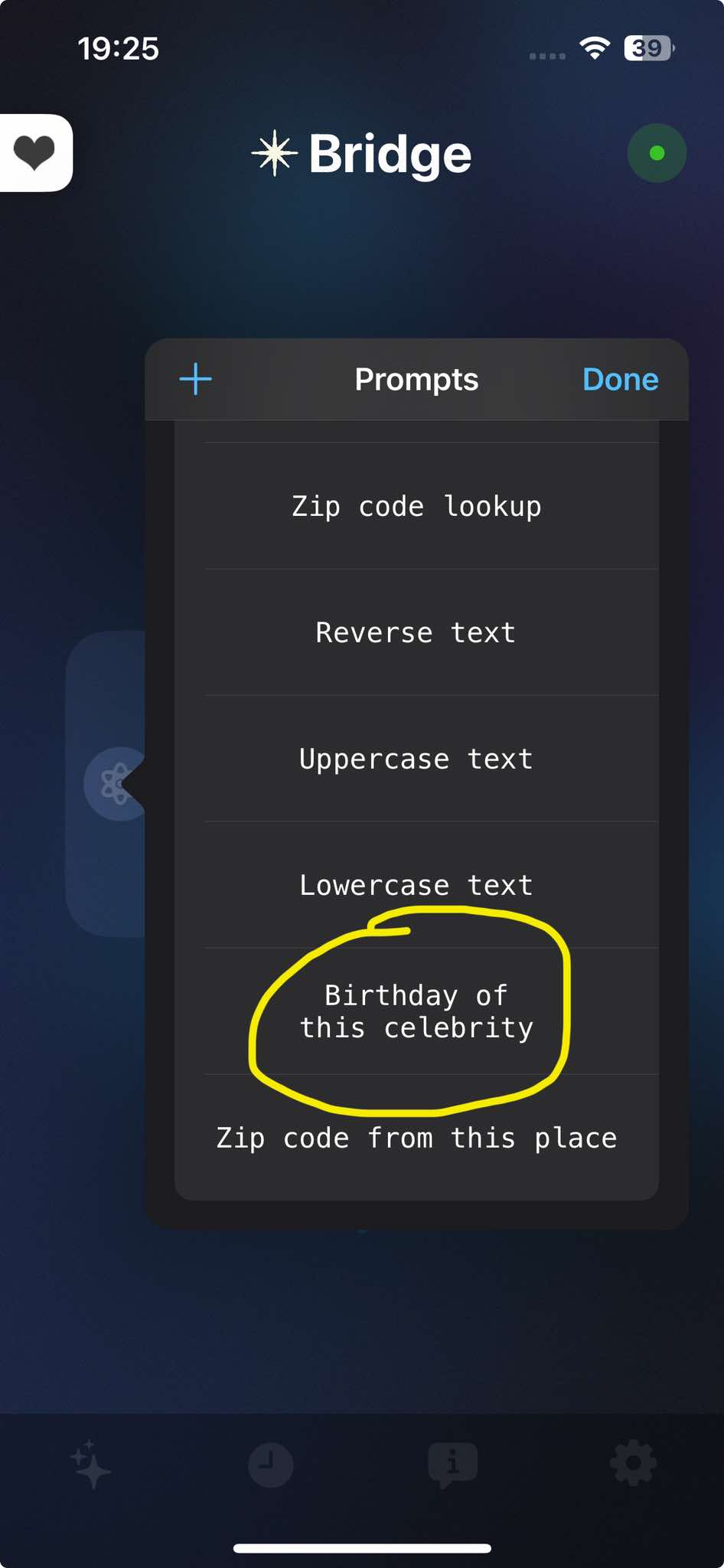
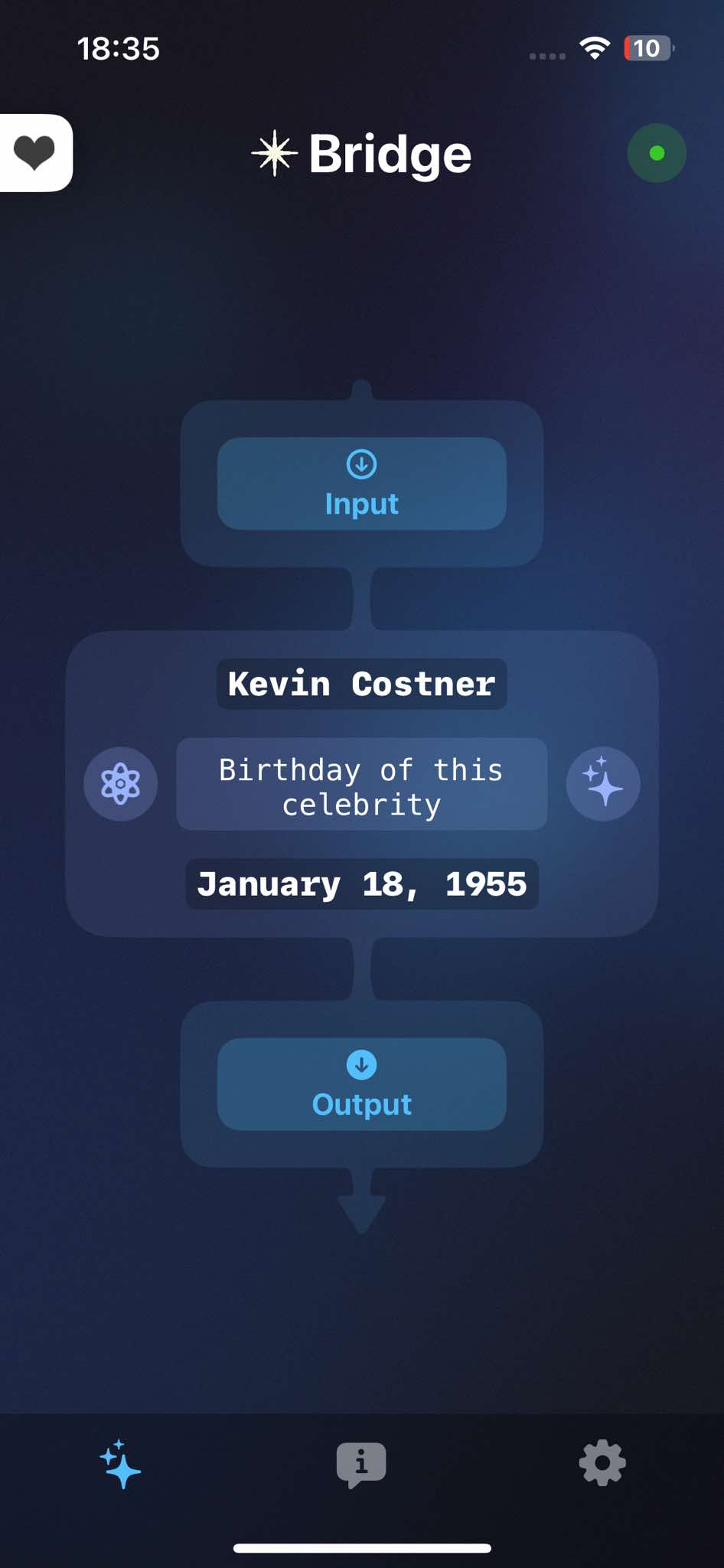
- in the Bridge app select the A.I. transform action "Birthday of this celebrity"
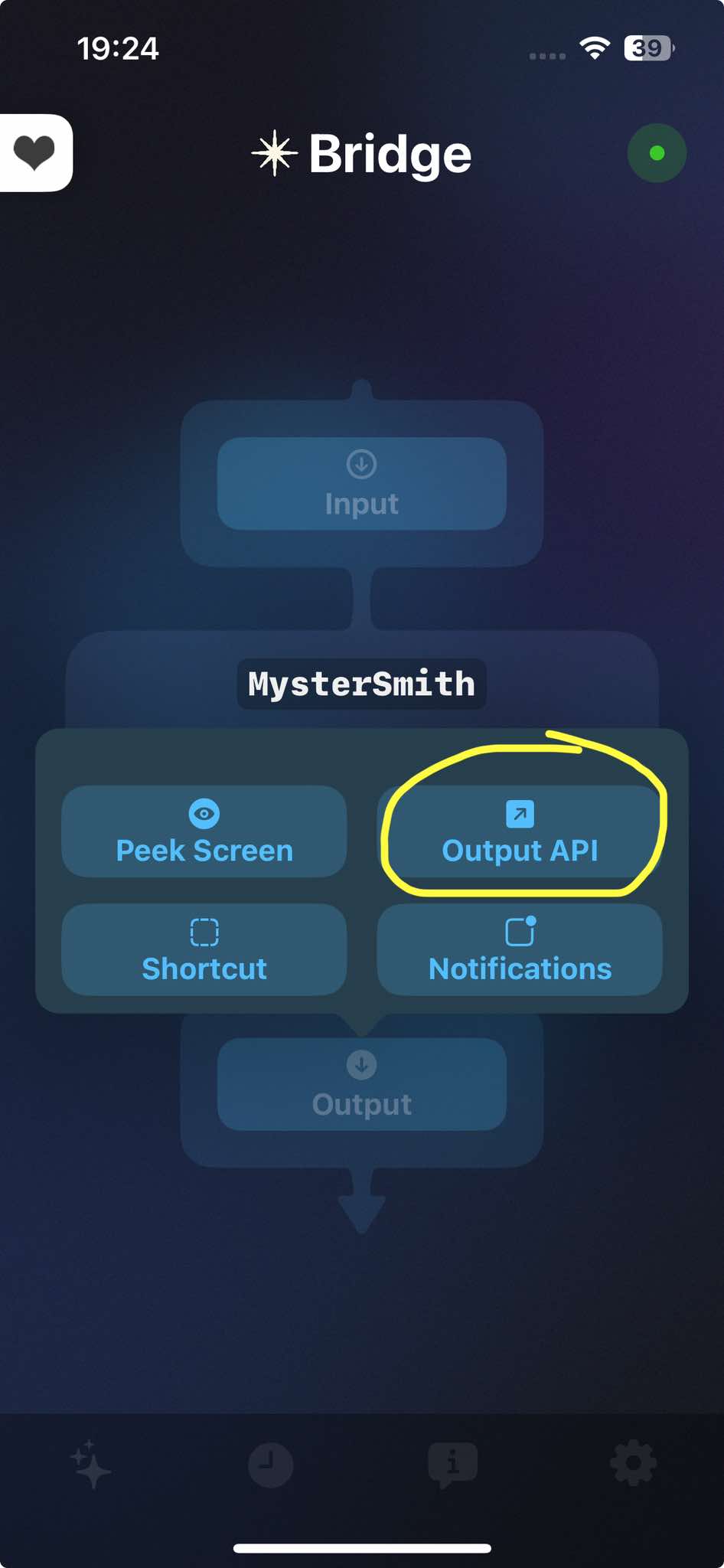
- for both input and output select the API
- you can now close the Bridge app
- connect your PeekSmith 3 in MysterSmith
- connect your impression board in MysterSmith
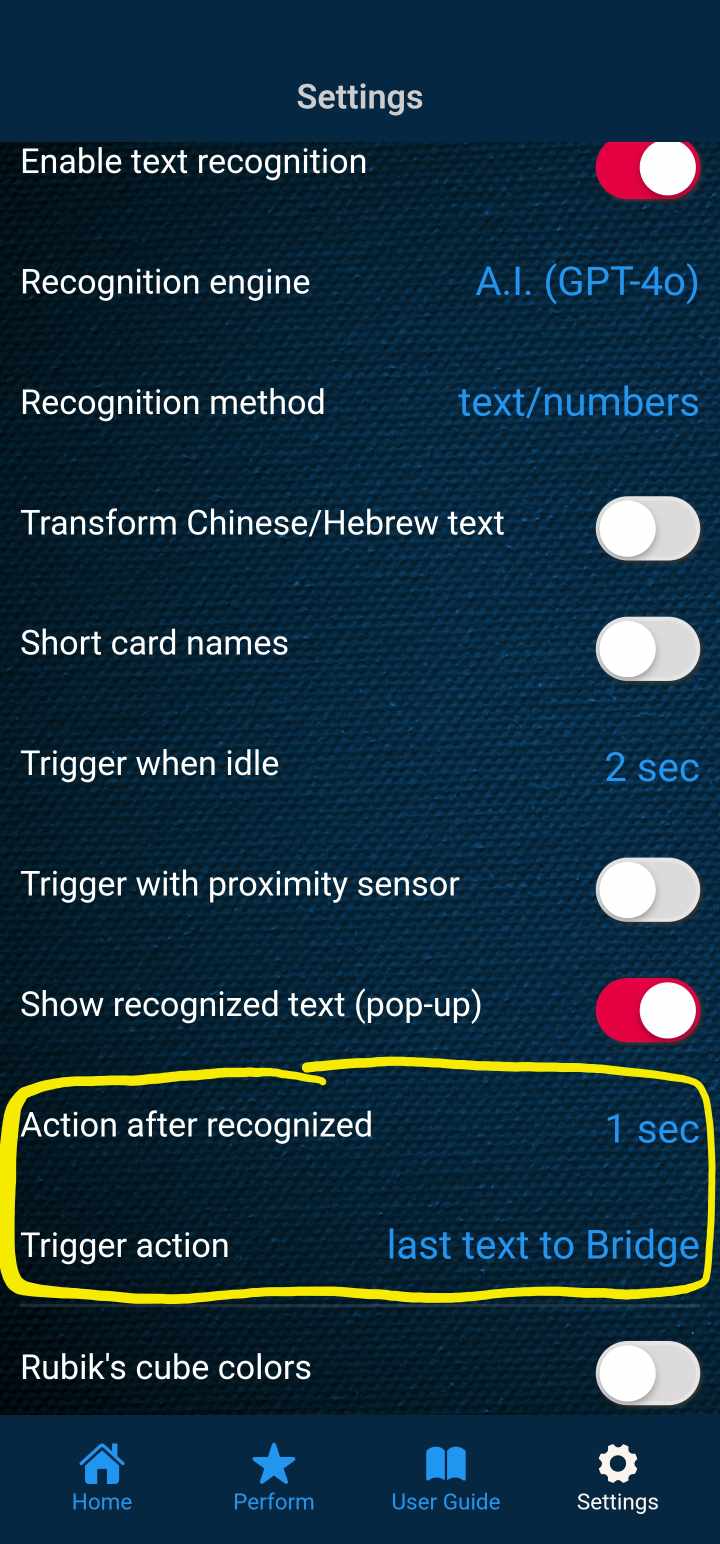
- in TEXT RECOGNITION settings set these values:
- Trigger when idle: 5 sec (you can adjust this as you like)
- Action after recognized: 1 sec
- Trigger action: last text to Bridge
- under WEB-POLLING make sure Bridge is enabled as a source (you can disable other sources)
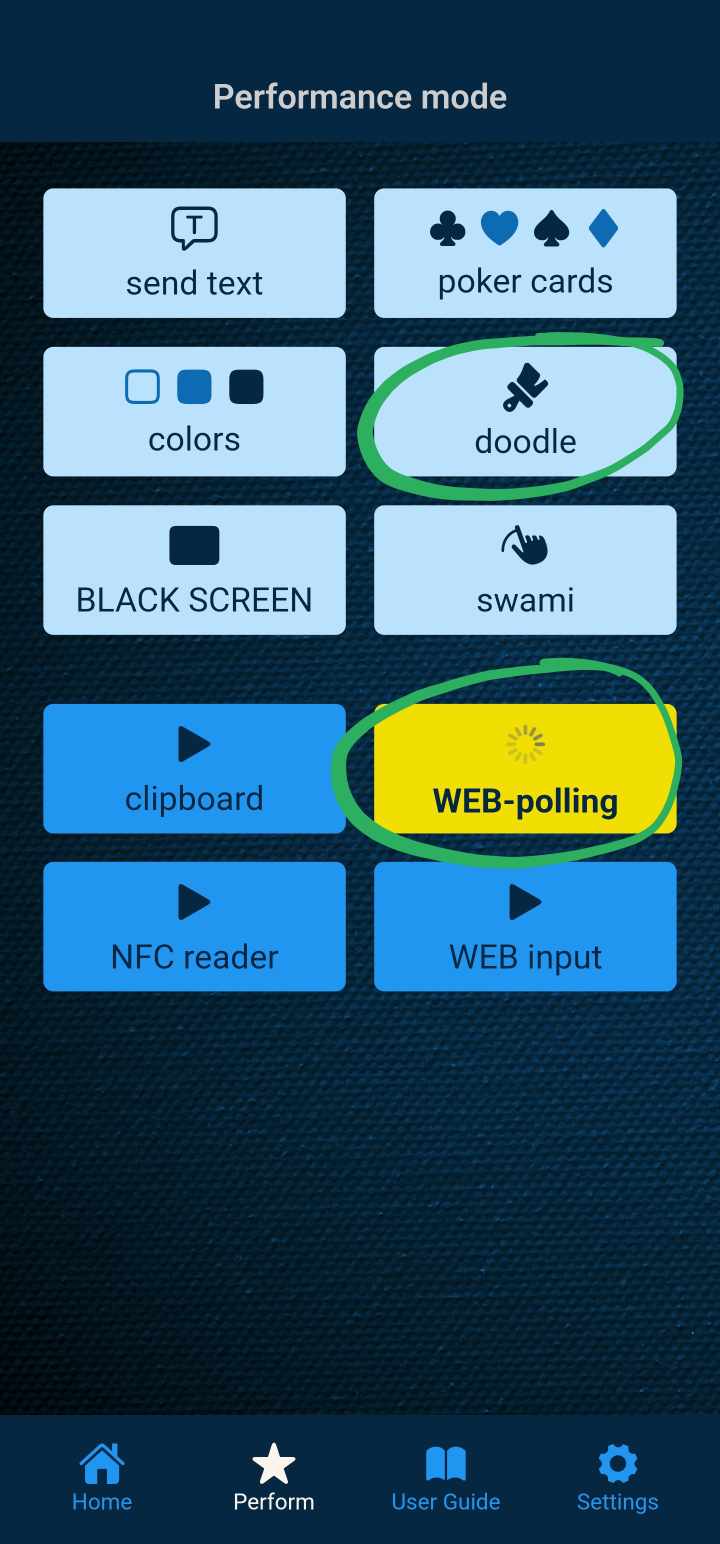
- go to the main performance screen
- start WEB-polling
- start the Doodle or BLACK screen
- the spectator can write the name of a celebrity
- after the text is recogniued, the name is being sent to Bridge
- Bridge gets the birthday of the celebrity using A.I.
- MysterSmith receives the birthday via WEB-polling
- the birthday is displayed on the PeekSmith 3