Notarized
API & A.I. Access add-on needed
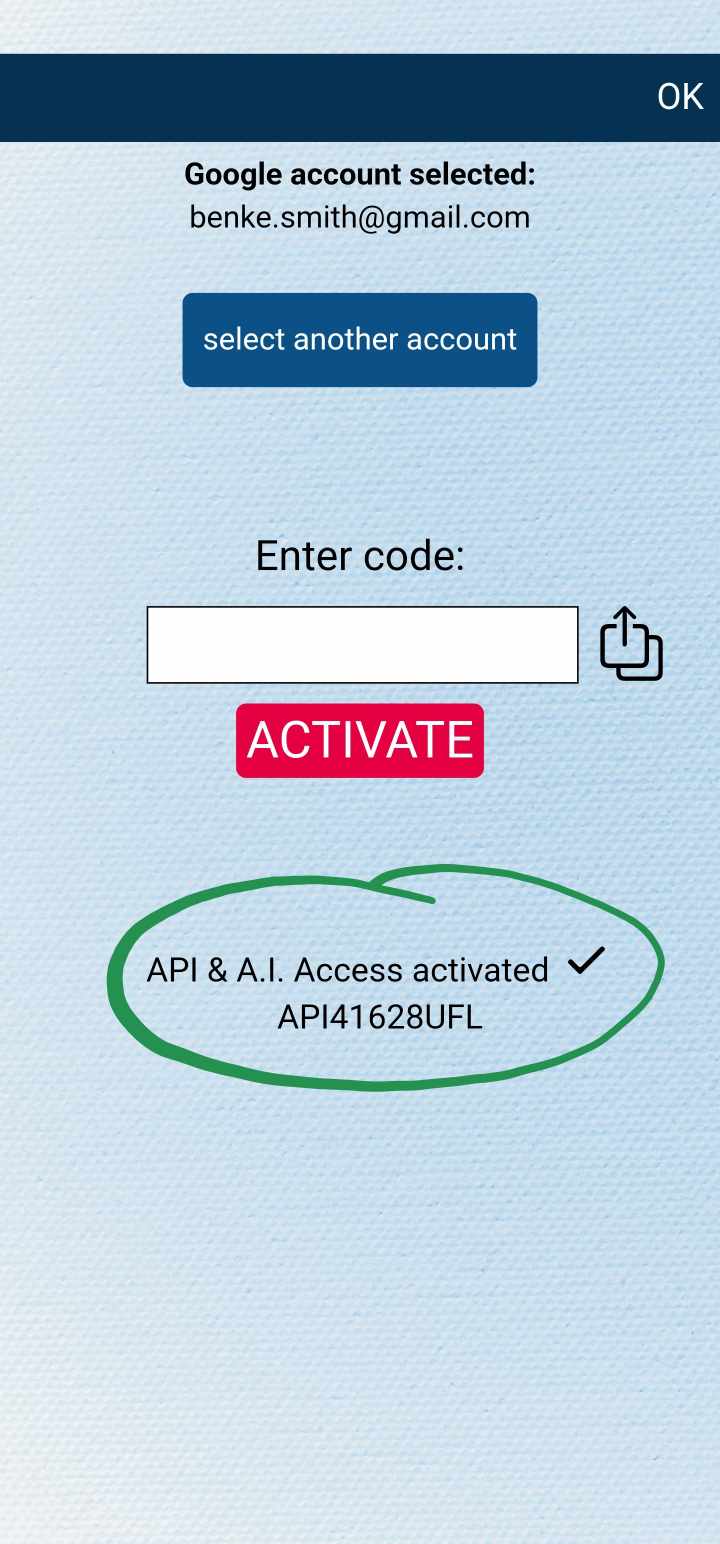
You will need to have the API & A.I. Access add-on for both sending and receiving data through Notarized. You can either purchase the add-on separately, or subscribe for MysterSmith (which will give you access to all available add-ons). You can purchase the add-on here:
bsmagic.app/payment/index.php?item=sendtoapi
Get your MysterSmith token
- open MysterSmith
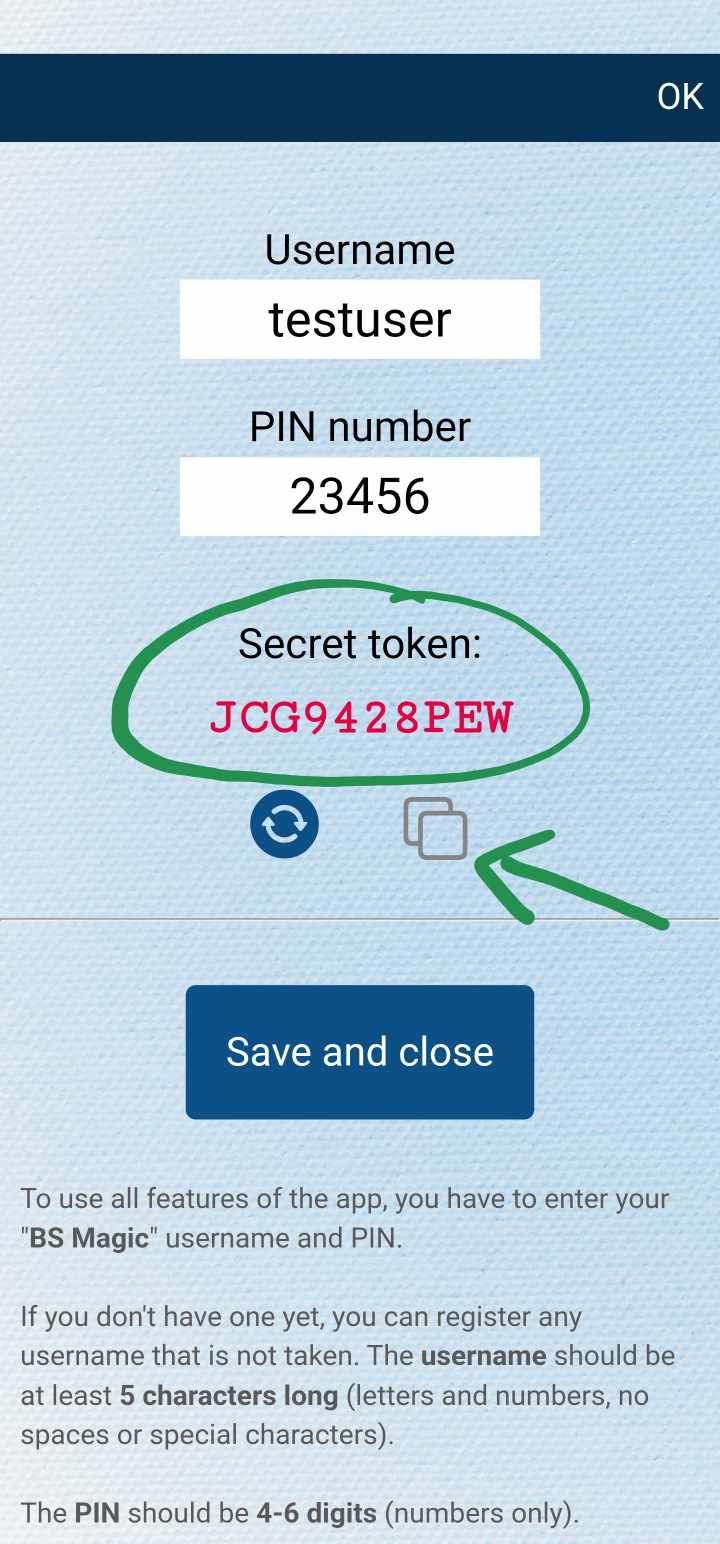
- go to Settings - USER SETTINGS
- tap your username
- copy the secret token (grey icon)
Set up Notarized on your iPhone
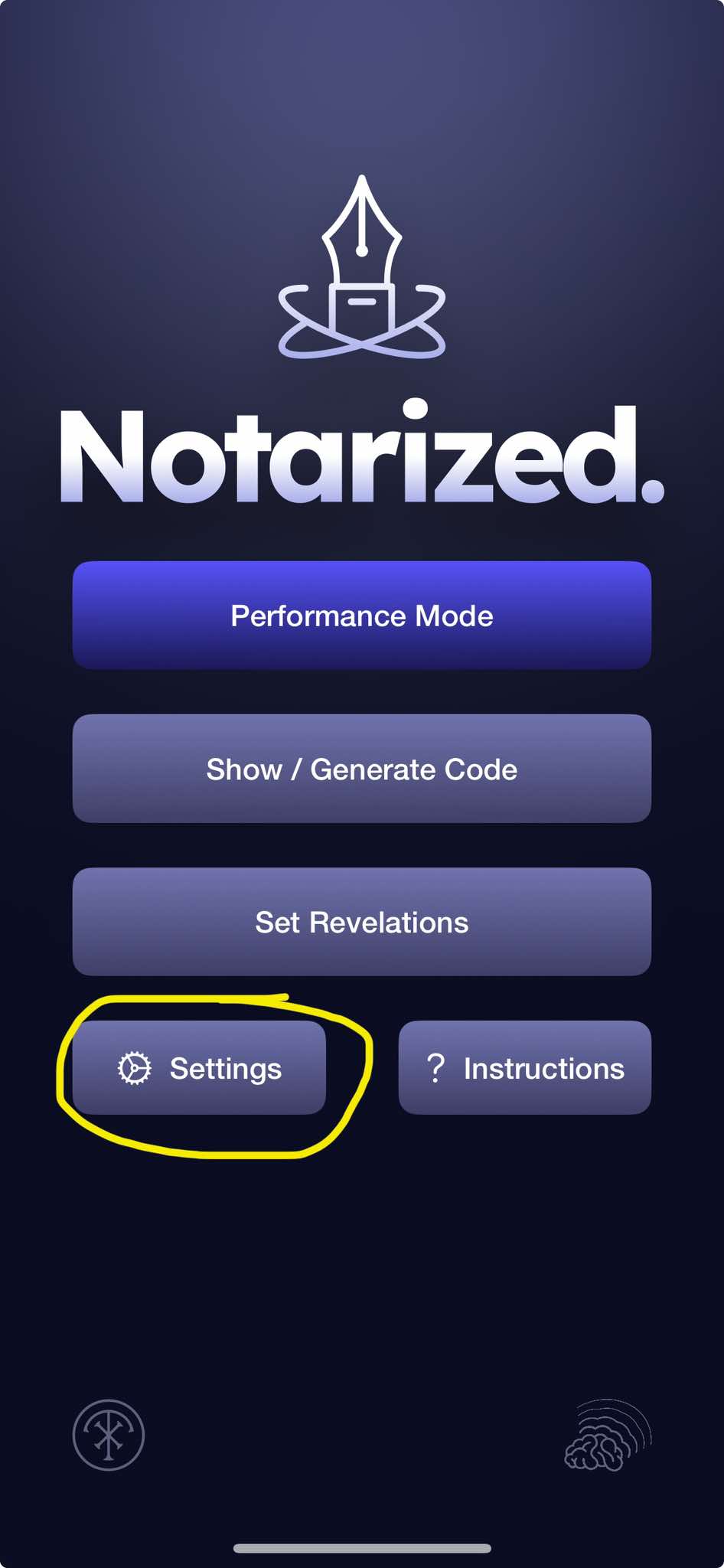
- open Notarized
- tap Settings
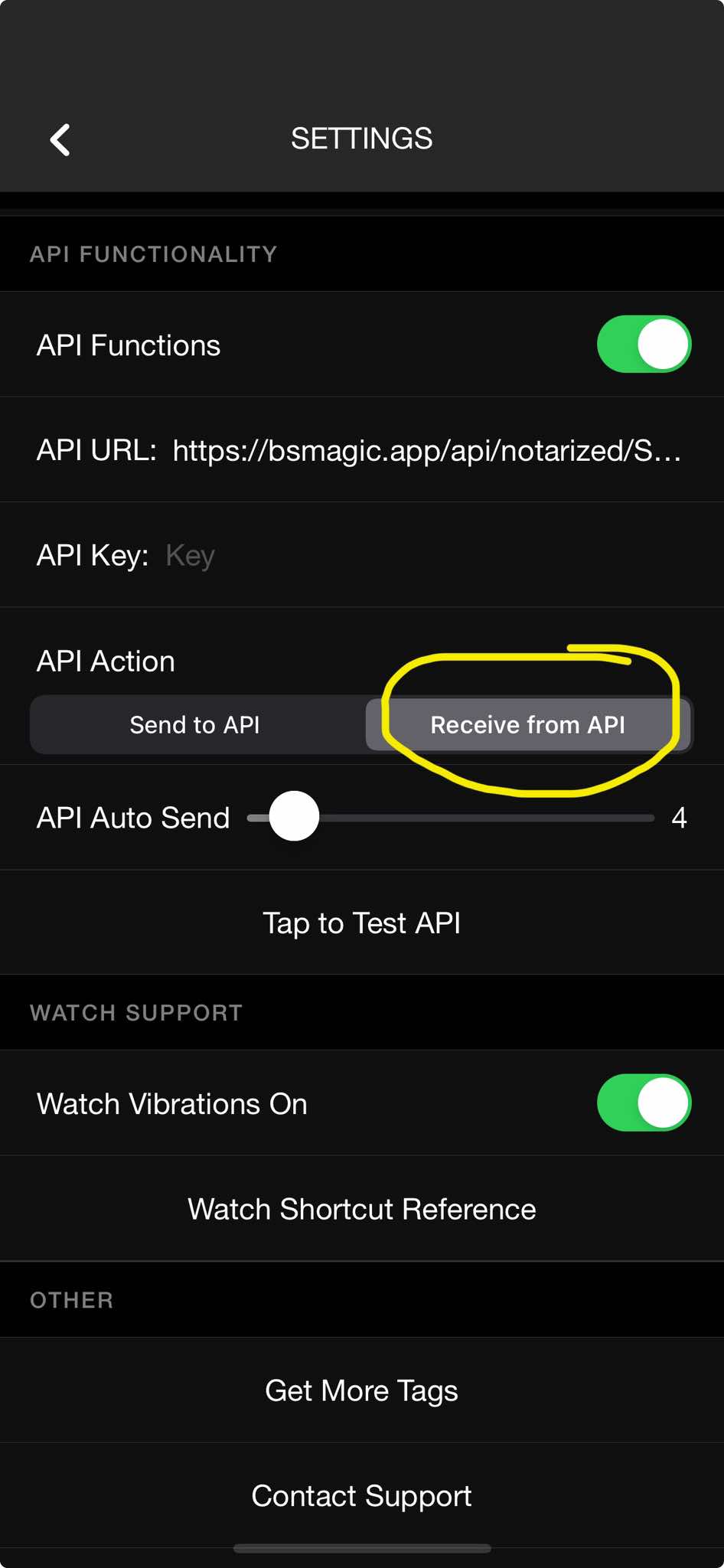
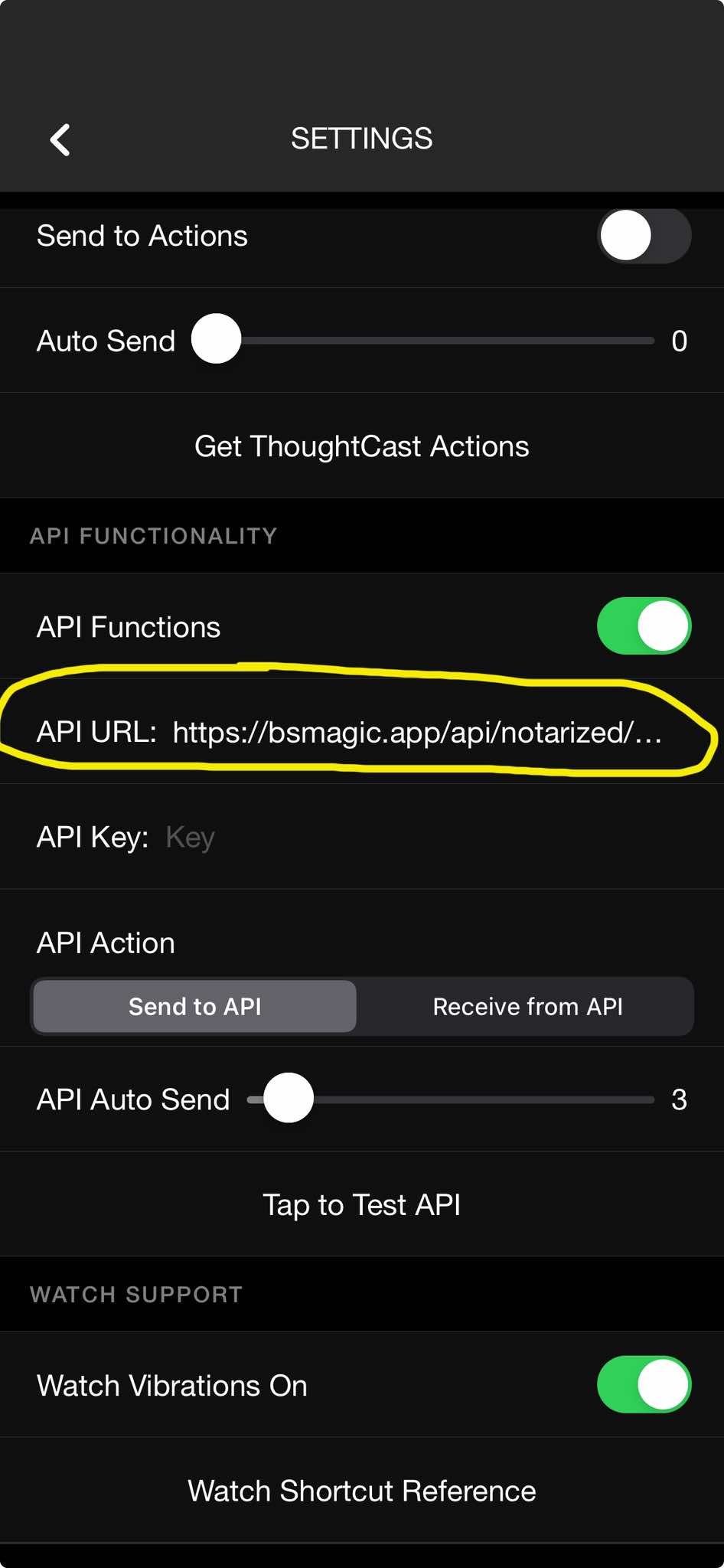
- scroll down to API FUNCTIONALITY
- enable API Functions
- for the API URL, enter this: https://bsmagic.app/api/notarized/TOKEN (replace TOKEN with your token from MysterSmith)
- leave the API Key empty
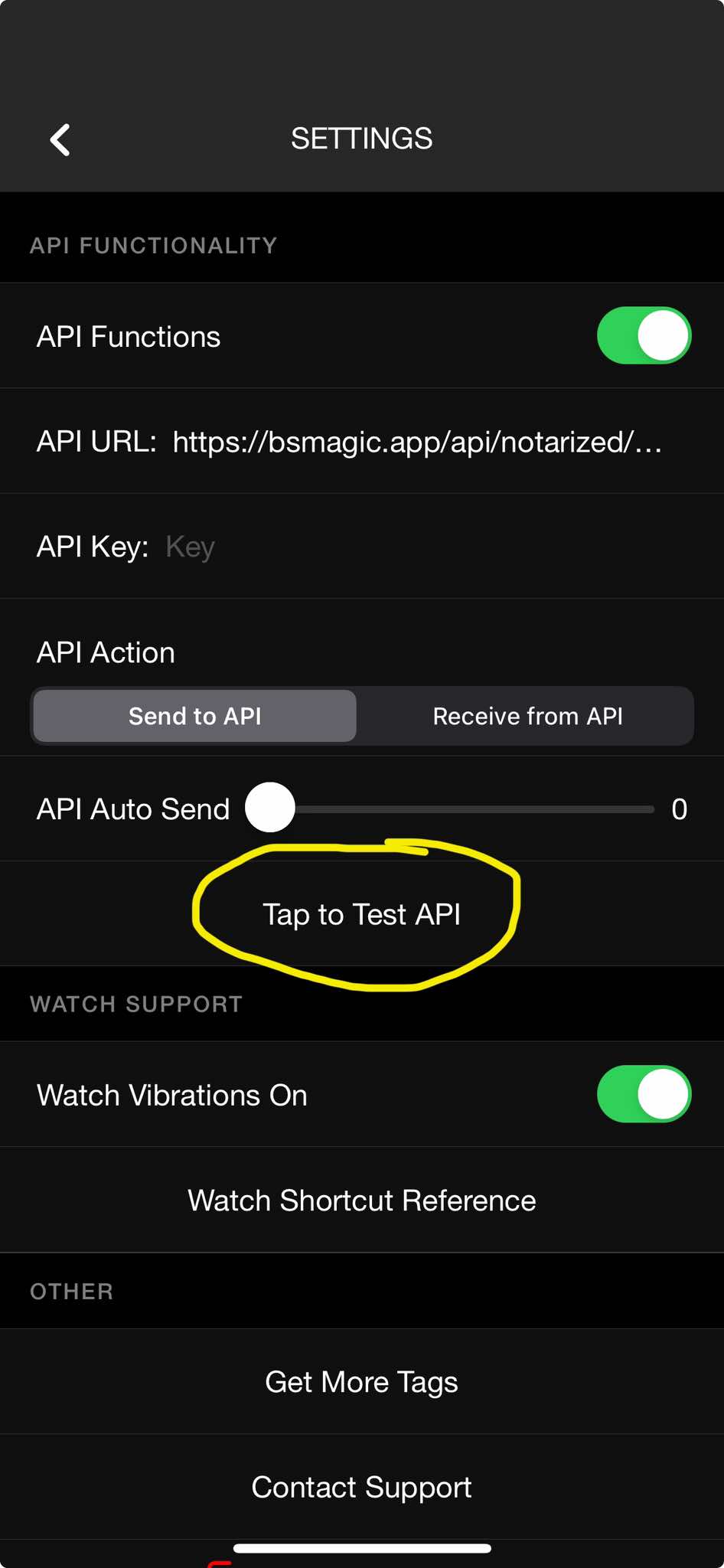
- API Action:
- select "Send to API" if you want to send text from Notarized (fake Notes app on spectator's phone) to MysterSmith
- select "Receive from API" if you want to send text from the MysterSmith app to Notarized (fake Notes app on spectator's phone)
- API Auto Send: set to ZERO if you only want to send data when the phone is face down (or held against the chest), or set the number of seconds when you want to automatically send the text from Notarized to MysterSmith
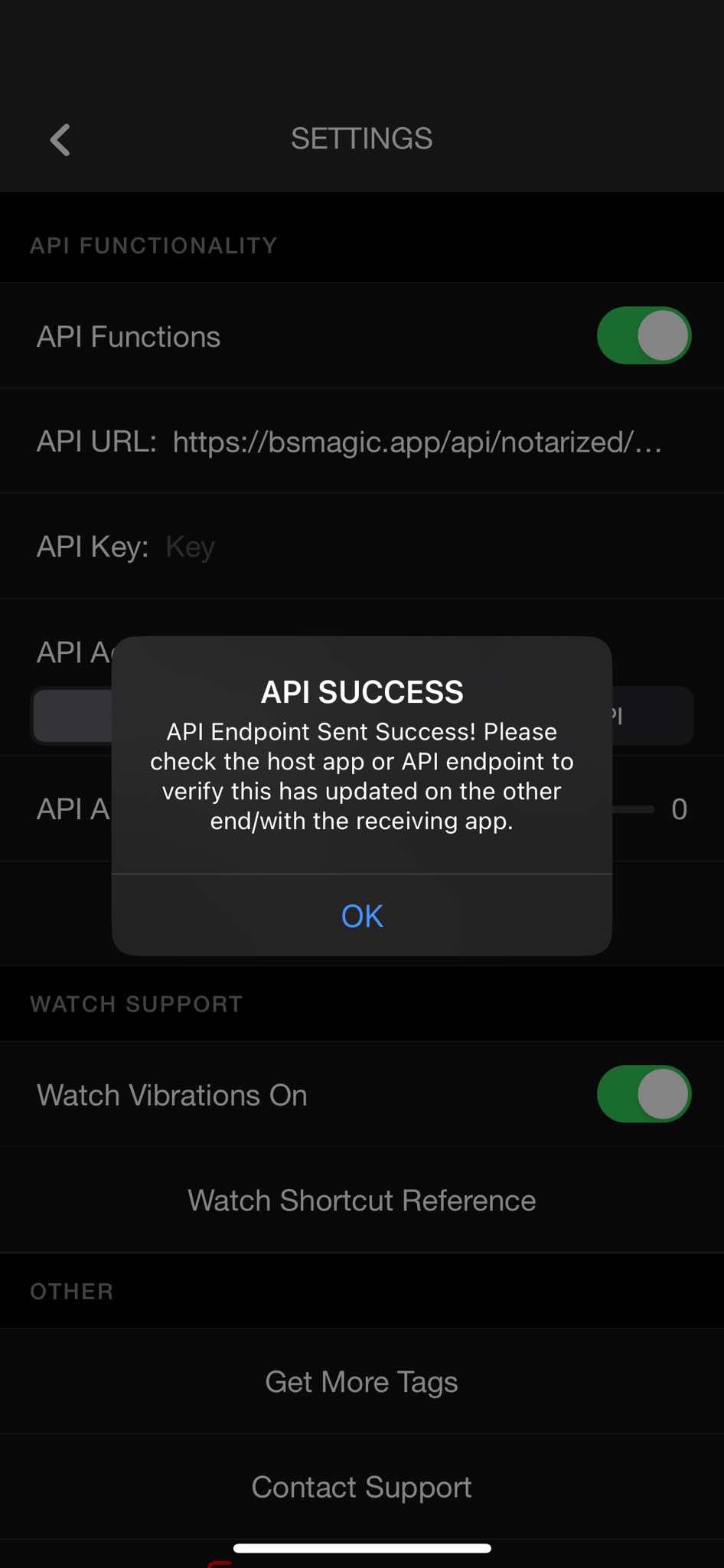
- you can select "Tap to Test API" to test if MysterSmith receives the data correctly
Performance - send to MysterSmith
- you don't have to run Notarized on your phone (just make sure you've selected "Send to API")
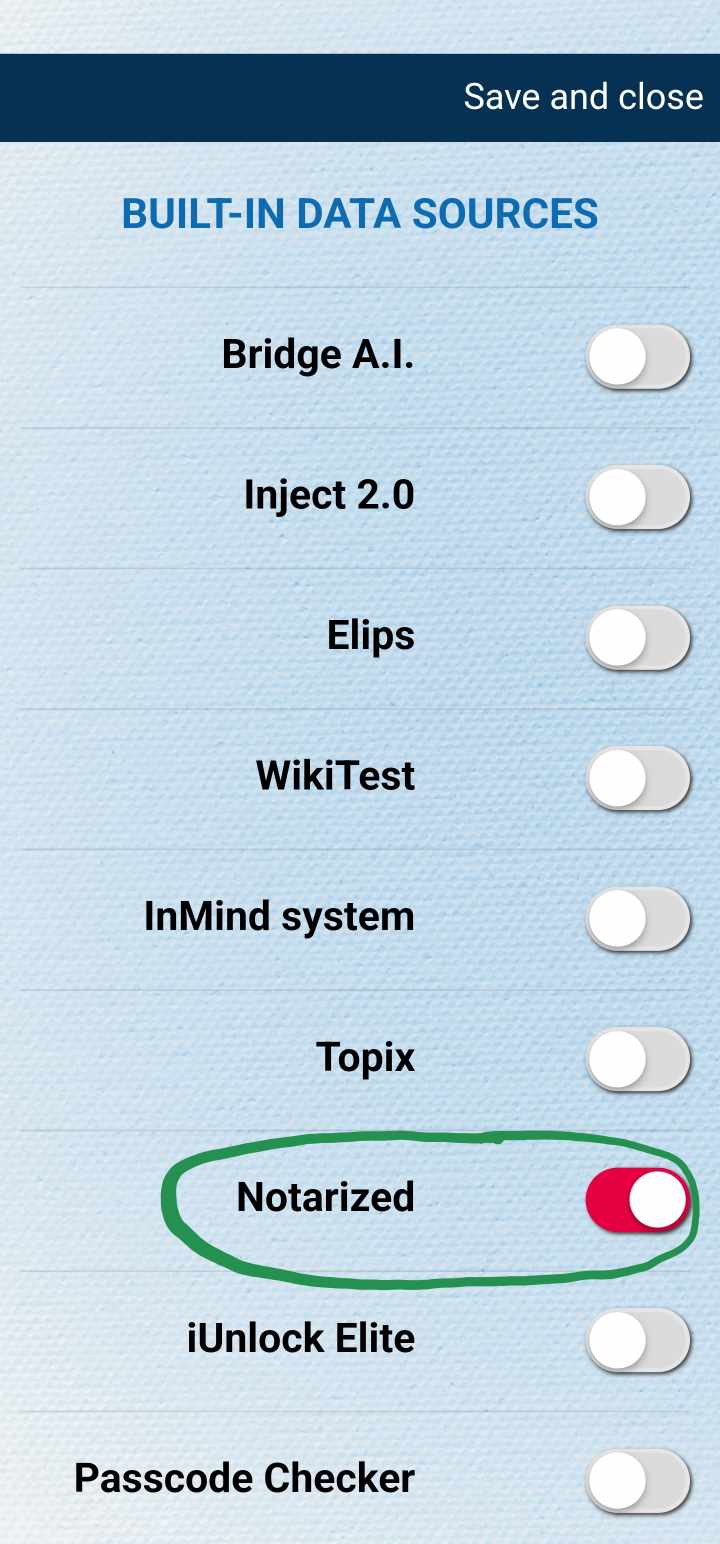
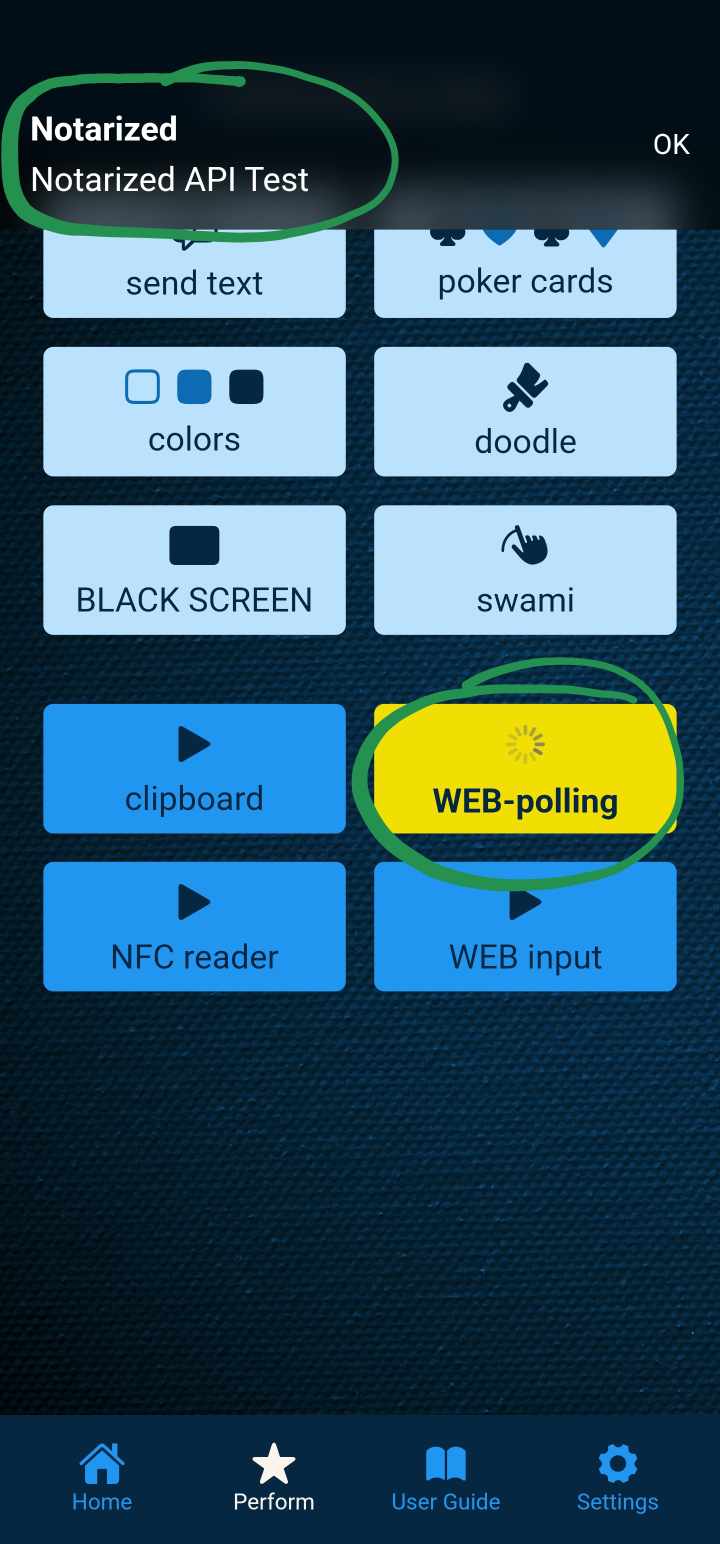
- in MysterSmith go to Settings - WEB-POLLING - WEB data sources
- enable Notarized (and you can disable all other sources)
- start WEB-polling
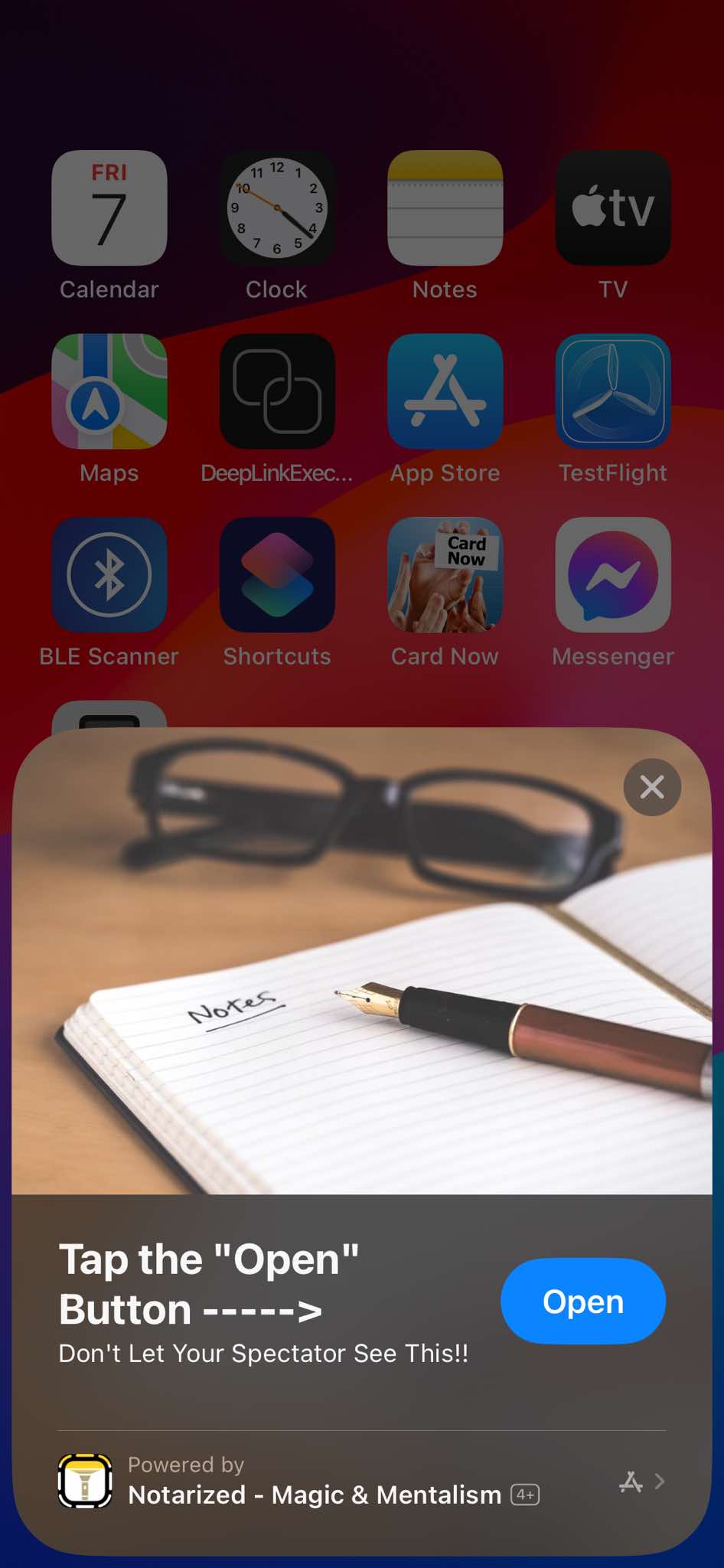
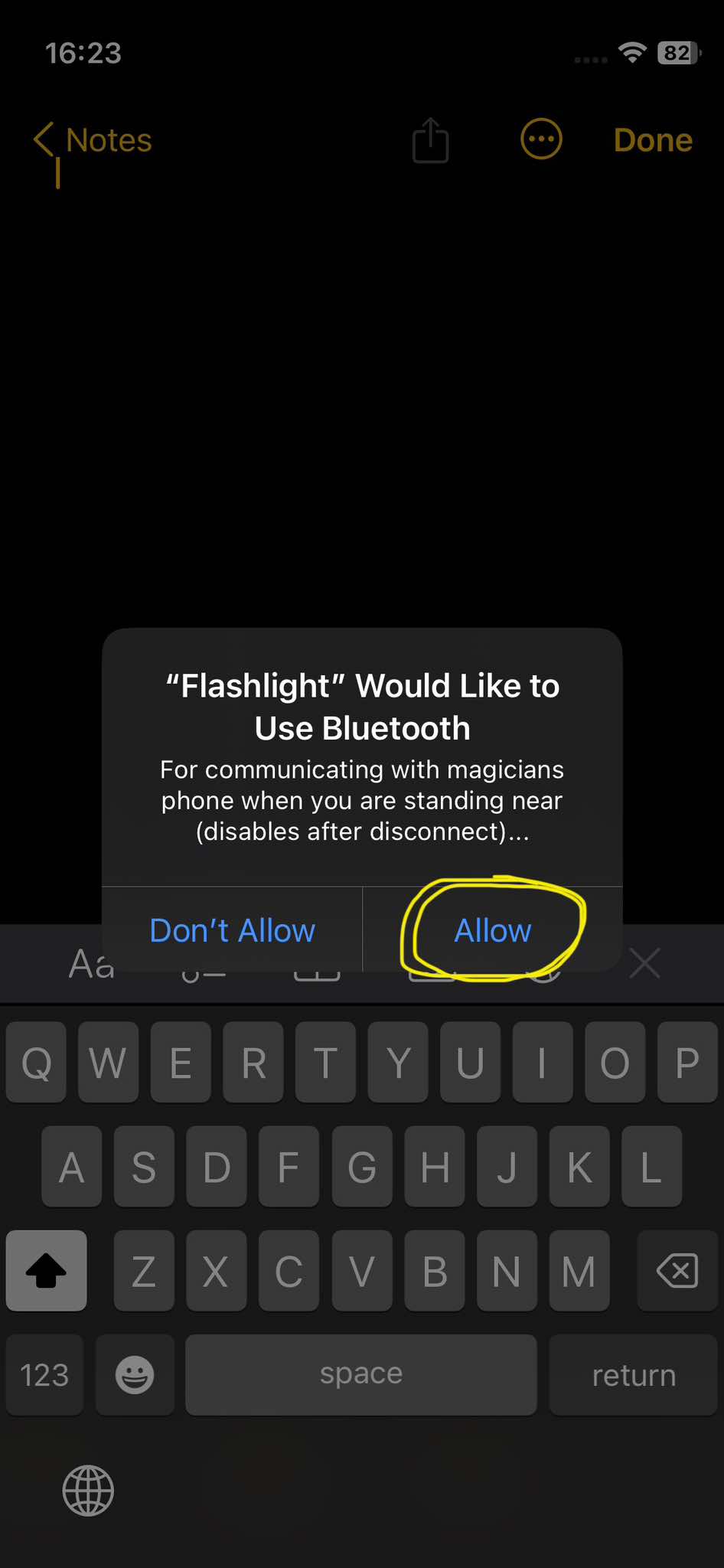
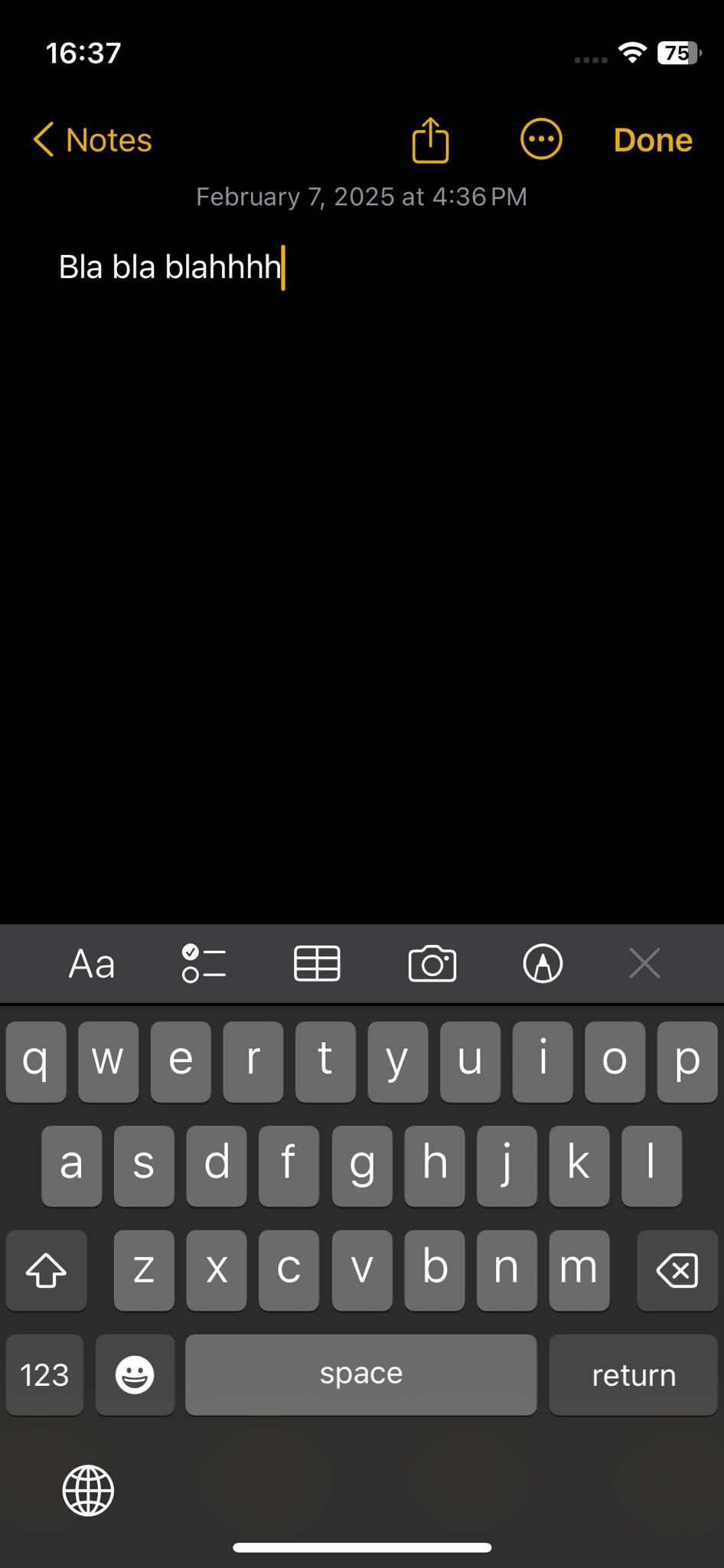
- touch your prepared NFC card to the spectator's iPhone, and start the fake Notes app
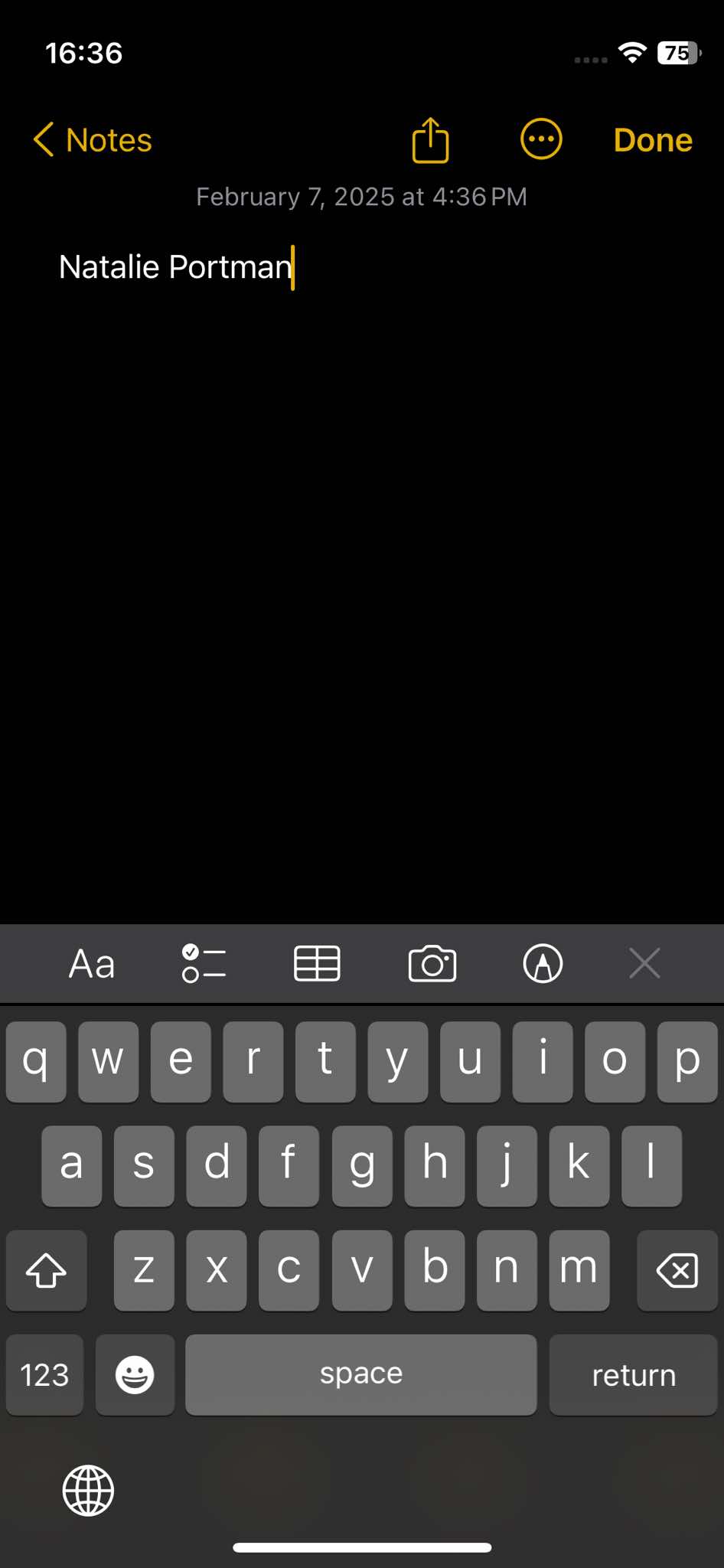
- the spectator can write something in the fake Notes app
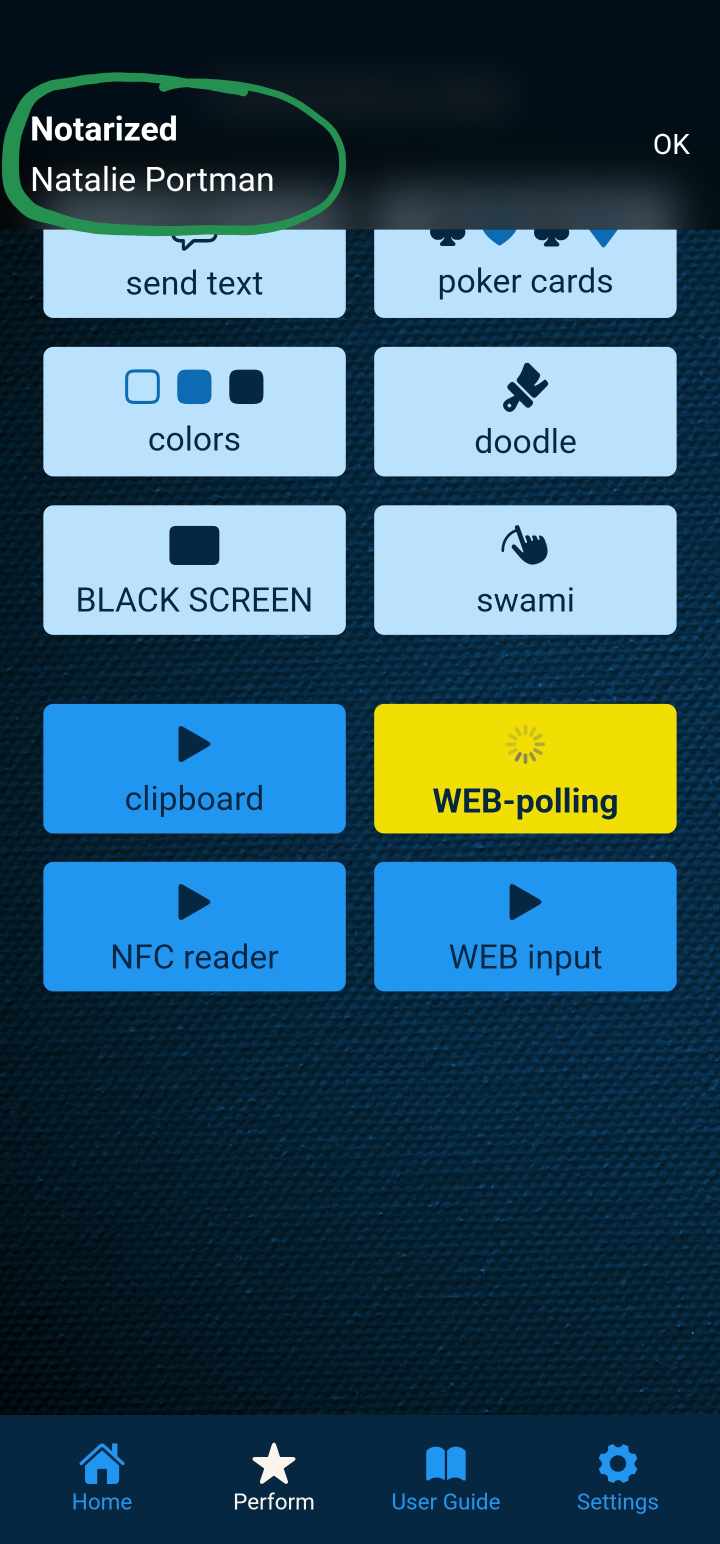
- after X seconds (based on your setting) the text will appear in MysterSmith (and displayed on your connected devices)
Performance - receive from MysterSmith
- you don't have to run Notarized on your phone (just make sure you've selected "Receive from API")
- touch your prepared NFC card to the spectator's iPhone, and start the fake Notes app
- pretend to write a prediction (you can write anything)
- put the spectator's iPhone face down
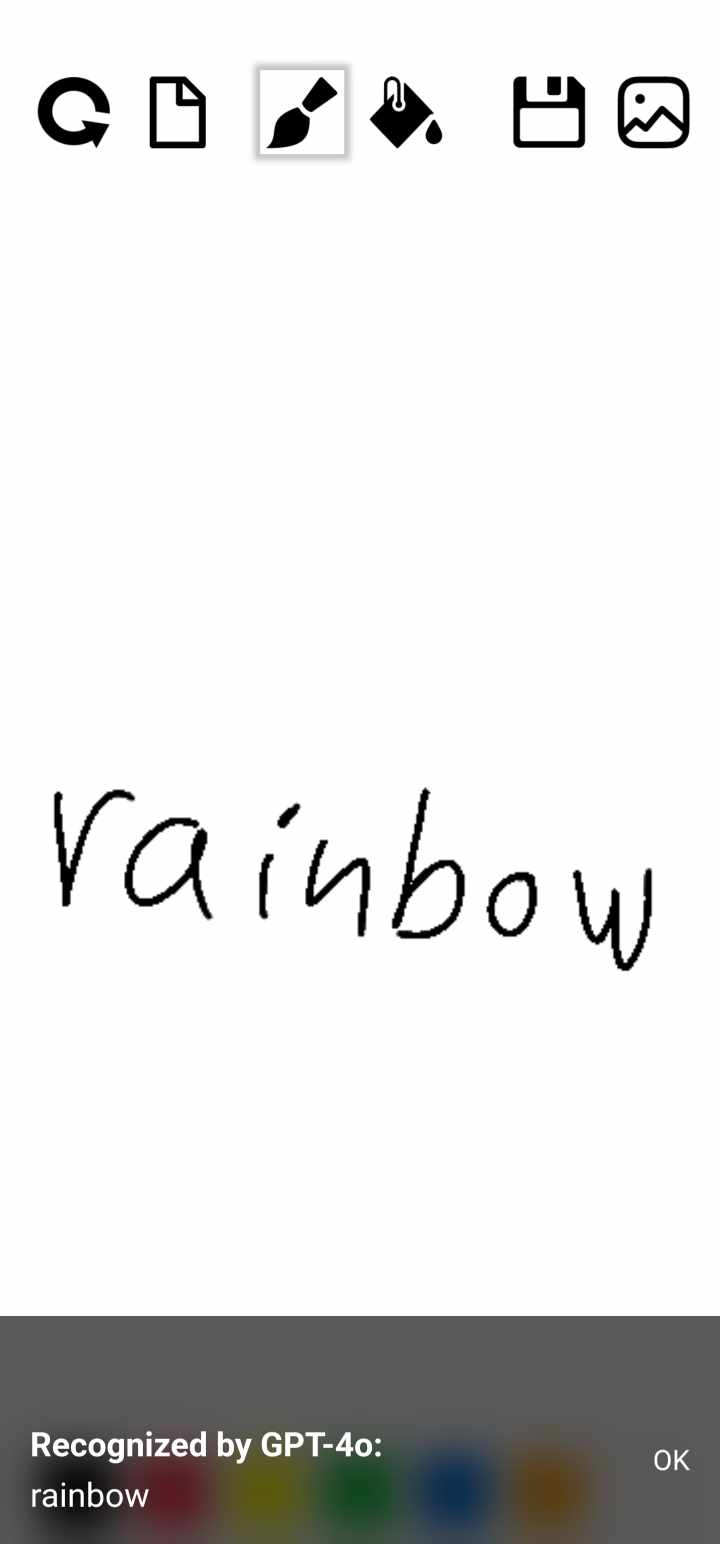
- in MysterSmith you can connect an impression board, or use any other input method to get the info you want to transmit
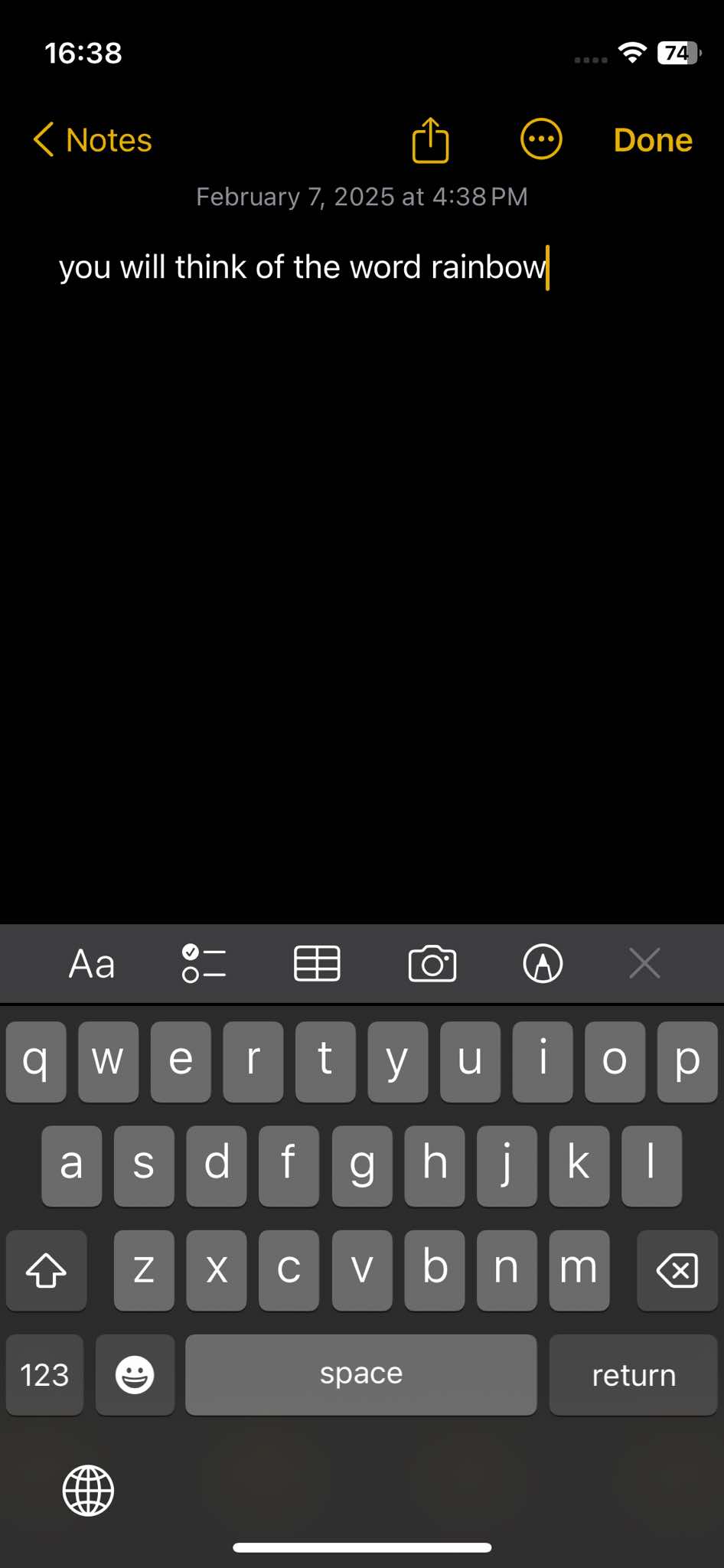
- when the text is added to the text buffer, Notarized will receive the info and paste it in the fake Notes app