The WearOS watch app
If you use the APK versions of my apps, you will need to delete and reinstall all the WearOS watch companion apps. This is a step by step guide that will help you installing the WearOS watch companion apps, using a Windows PC.
You can jump to the end of the page to watch the tutorial video before you begin the installation process.
Enable developer mode on the watch
The first thing you should do is to enable developer mode on your watch. (If developer mode is already enabled, you can skip to the next chapter.)
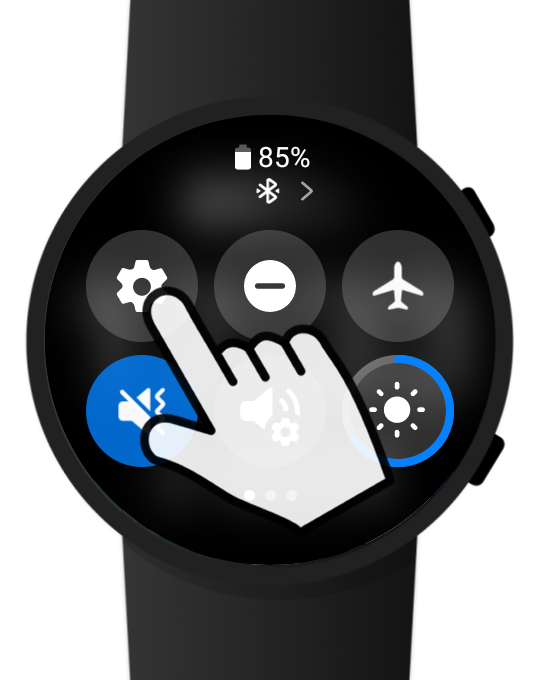
- open Settings
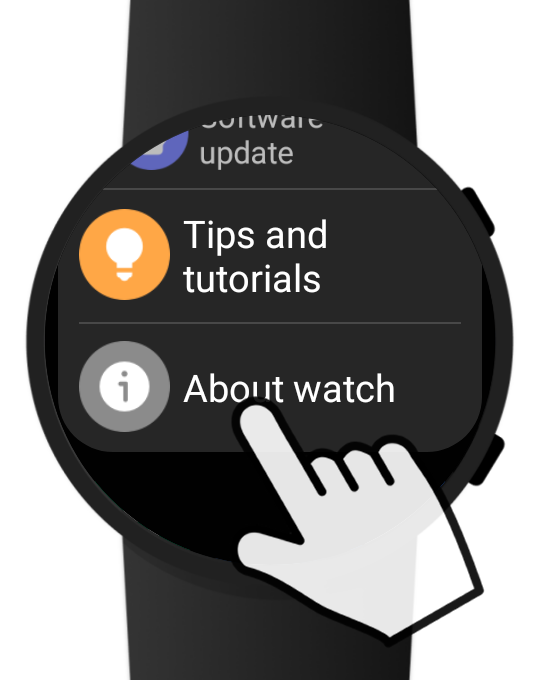
- go to "About watch"
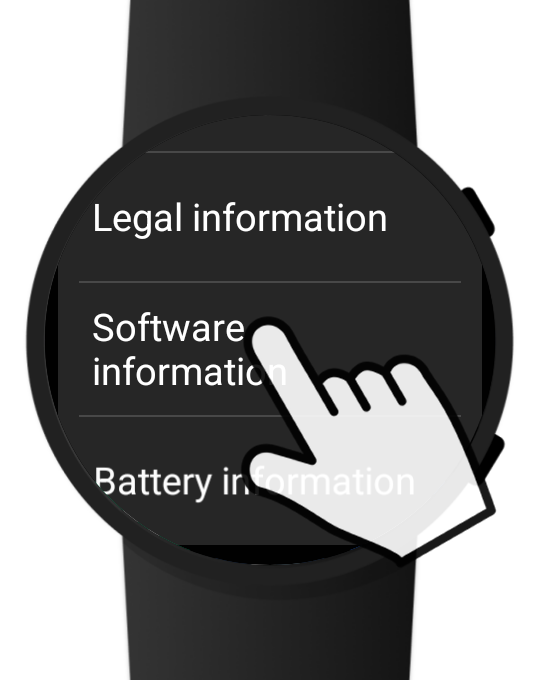
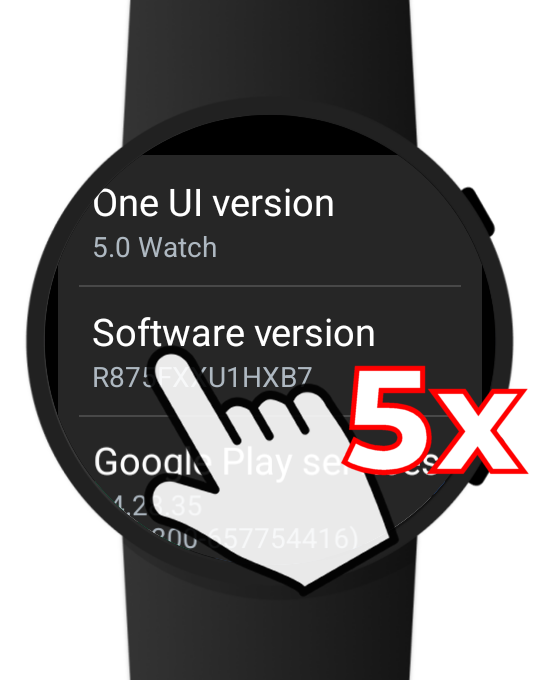
- tap "Software information"
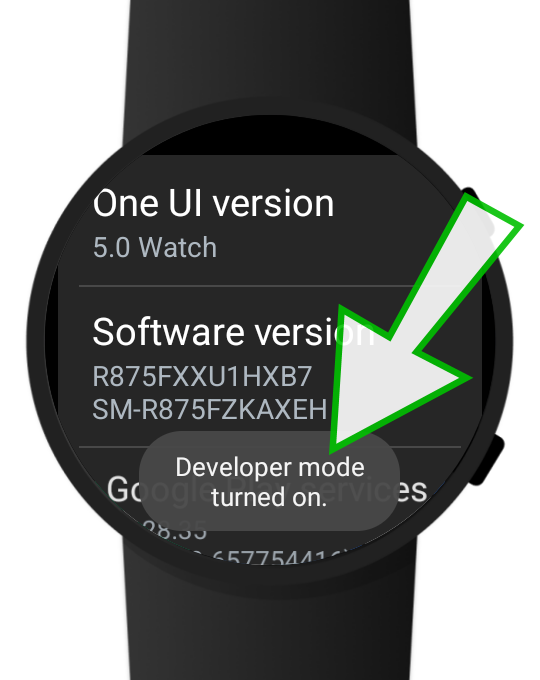
- quickly tap "Software version" 5 times in a row
- developer mode should now be enabled
Download my WearOS installer app for Windows
You should download my WearOS installer app for Windows from the following URL: bsmagic.app/apps/wearos/WearOS_watch_installer_v1.2.exe
After downloading the EXE file, you can place it in a new, dedicated folder (like "WearOS installer").
Prepare the watch for the connection
Please follow these steps to prepare your watch for connecting wirelessly with your PC:
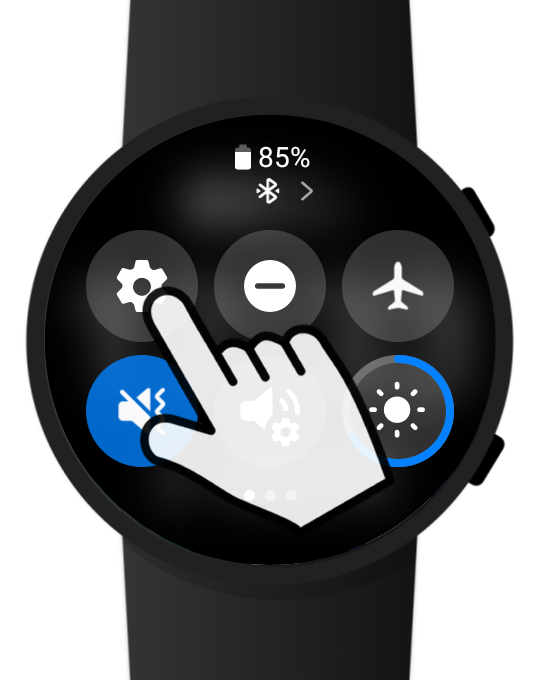
- open Settings
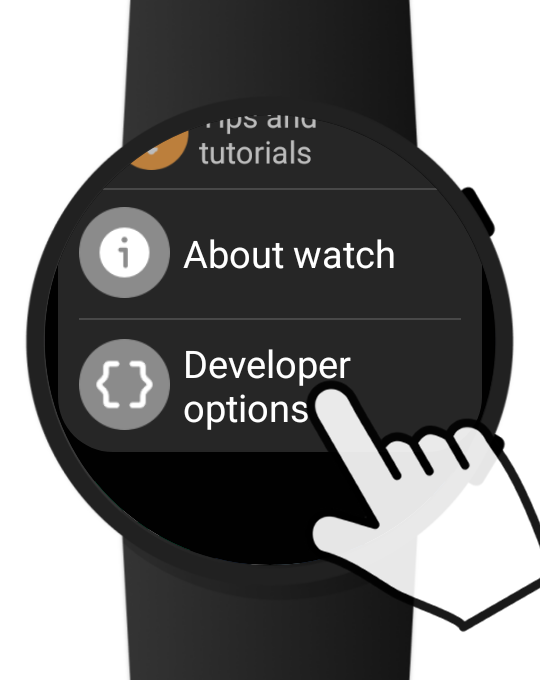
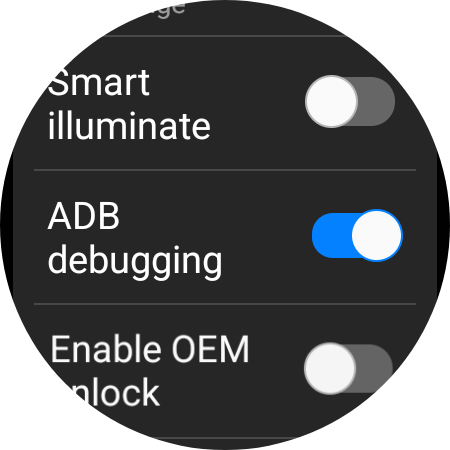
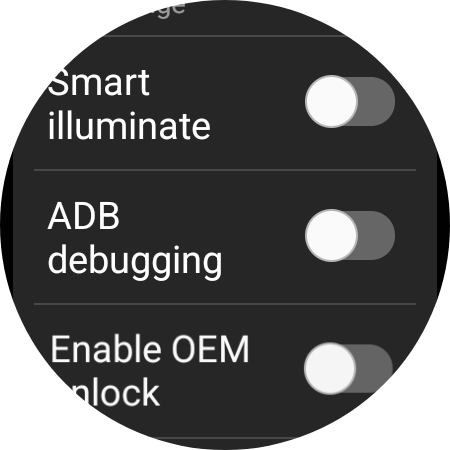
- scroll down, and select "Developer options"
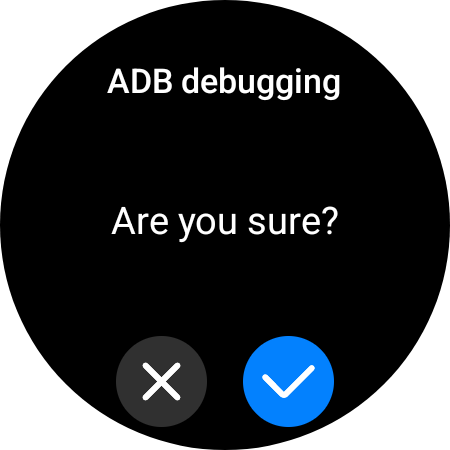
- find "ADB debugging" and enable it
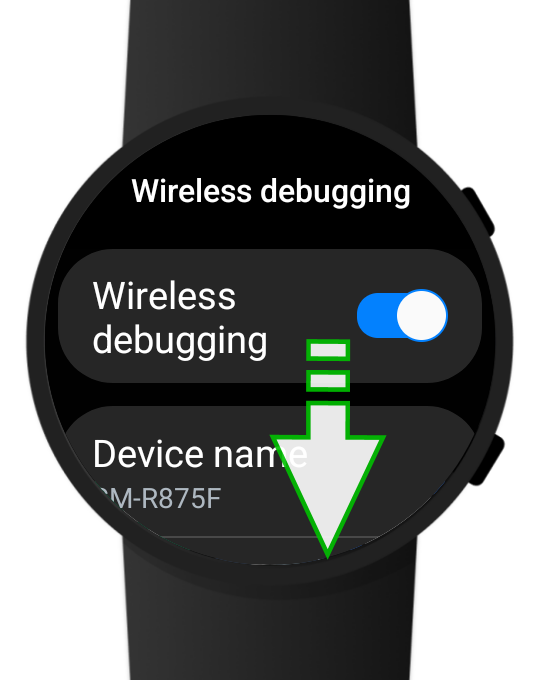
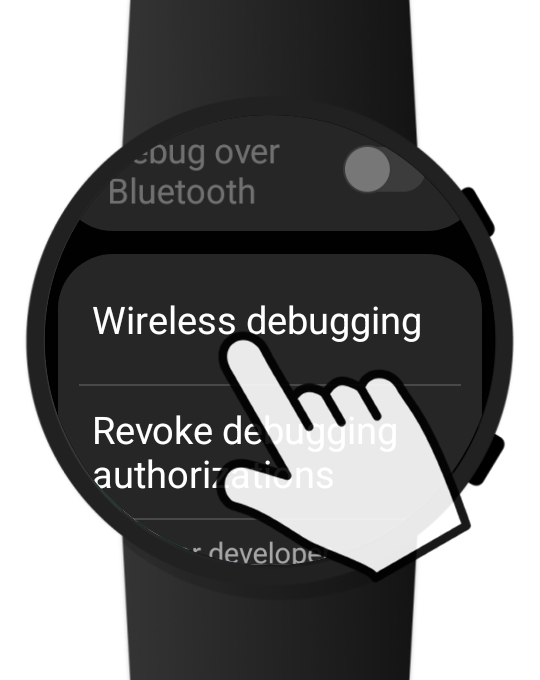
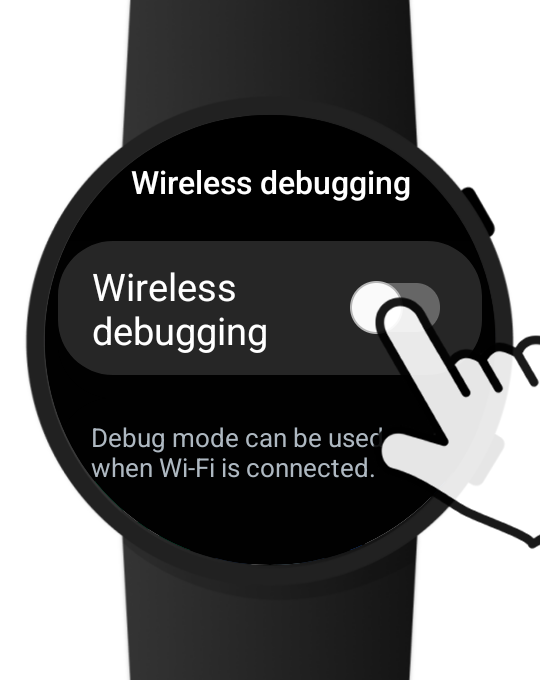
- find "Wireless debugging" and enable it
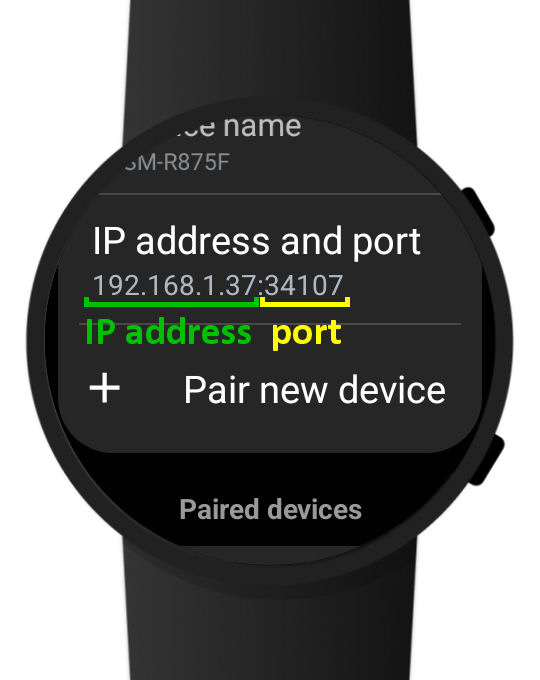
- scroll down until you see the IP address and Port number of the watch
- write down the IP address and the Port number (example: 192.168.1.37 is the IP address and 34107 is the Port number)
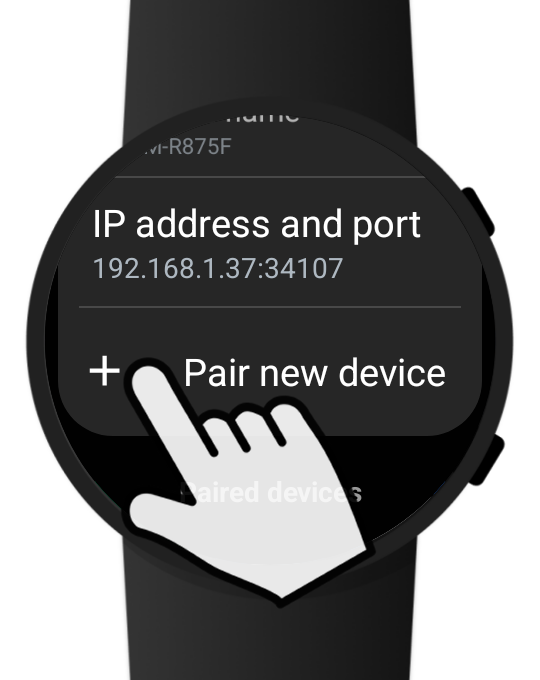
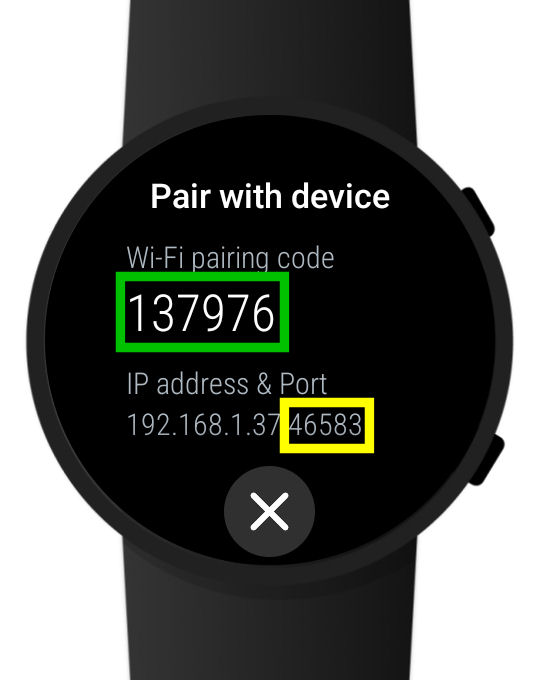
- scroll down and tap "+ Pair new device"
- write down the Pairing code and the Port number (the IP address should be the same, but the Port number is different)
- proceed with the next steps without exiting this screen
Use the Windows WearOS Installer to install the watch apps
Now it's time to run the WearOS_watch_installer_v1.2.exe file, and perform the installation of the companion apps...
- delete all my magic WearOS apps from your watch, that were installed before from Google Play
- make sure your watch is on the same local (WiFi) network as your PC
- on your PC double-click the file " WearOS_watch_installer_v1.2.exe "
- follow the instructions of the tutorial video
- when everything is OK and the watch apps are installed, you can close the installer app