Switch from Stable to Experimental (iOS)
On iPhone and iPad both versions are the same app in TestFlight, so you don't need to delete MysterSmith: your routines and settings stay. Follow these steps:
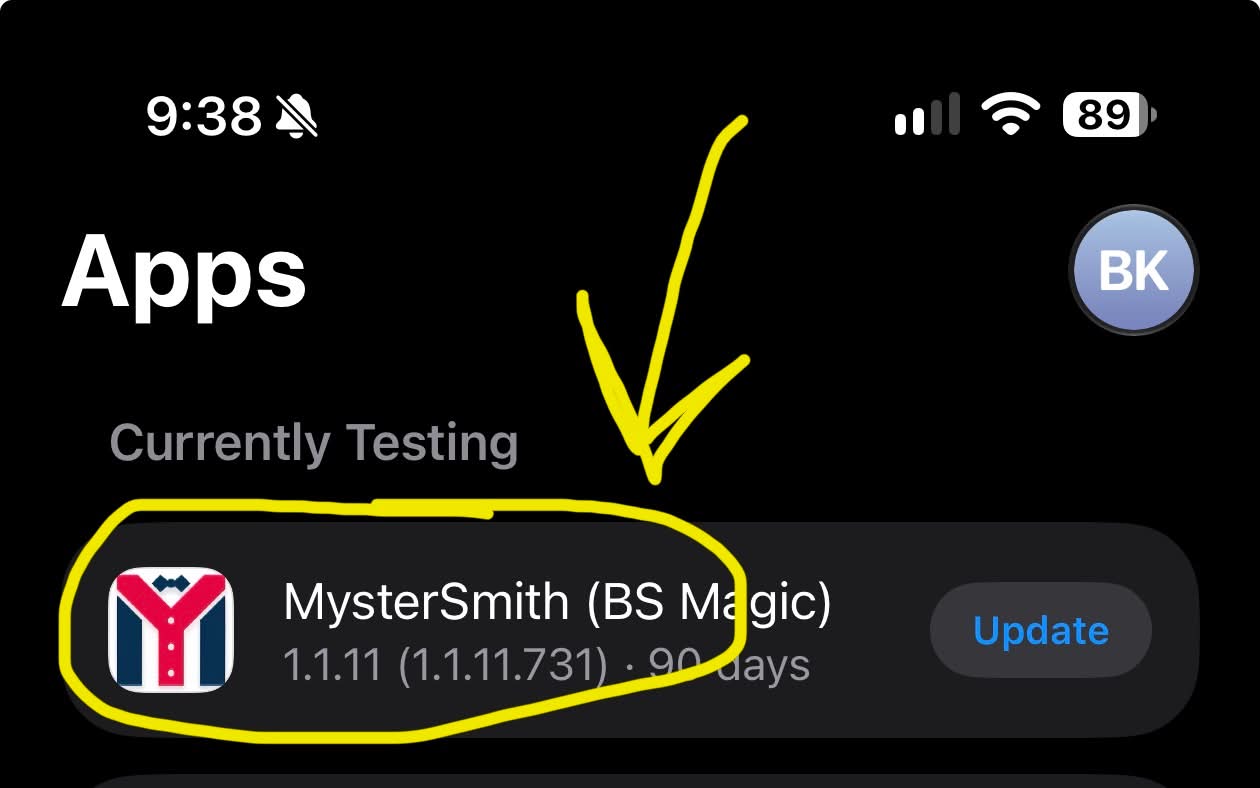
1) In TestFlight, tap MysterSmith:
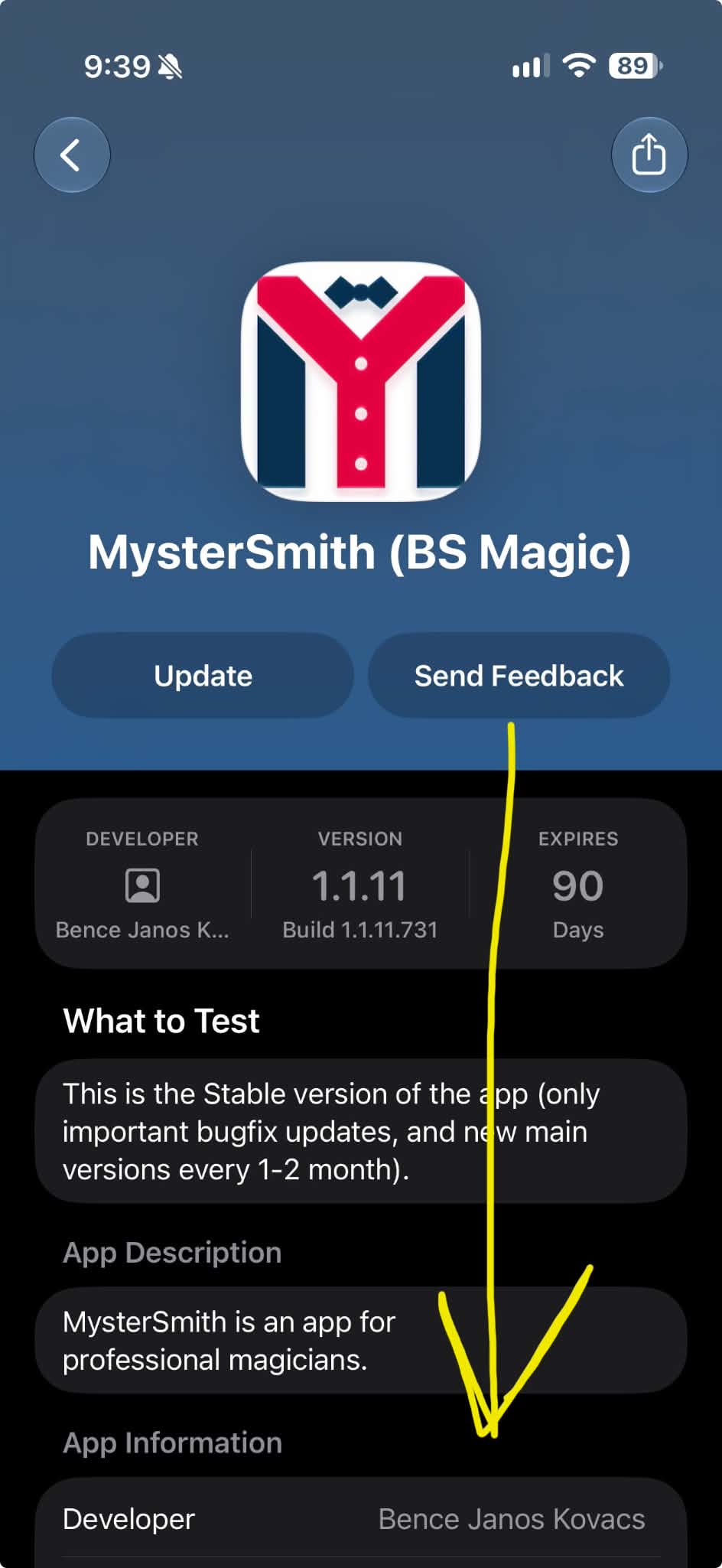
2) Scroll down to the bottom:
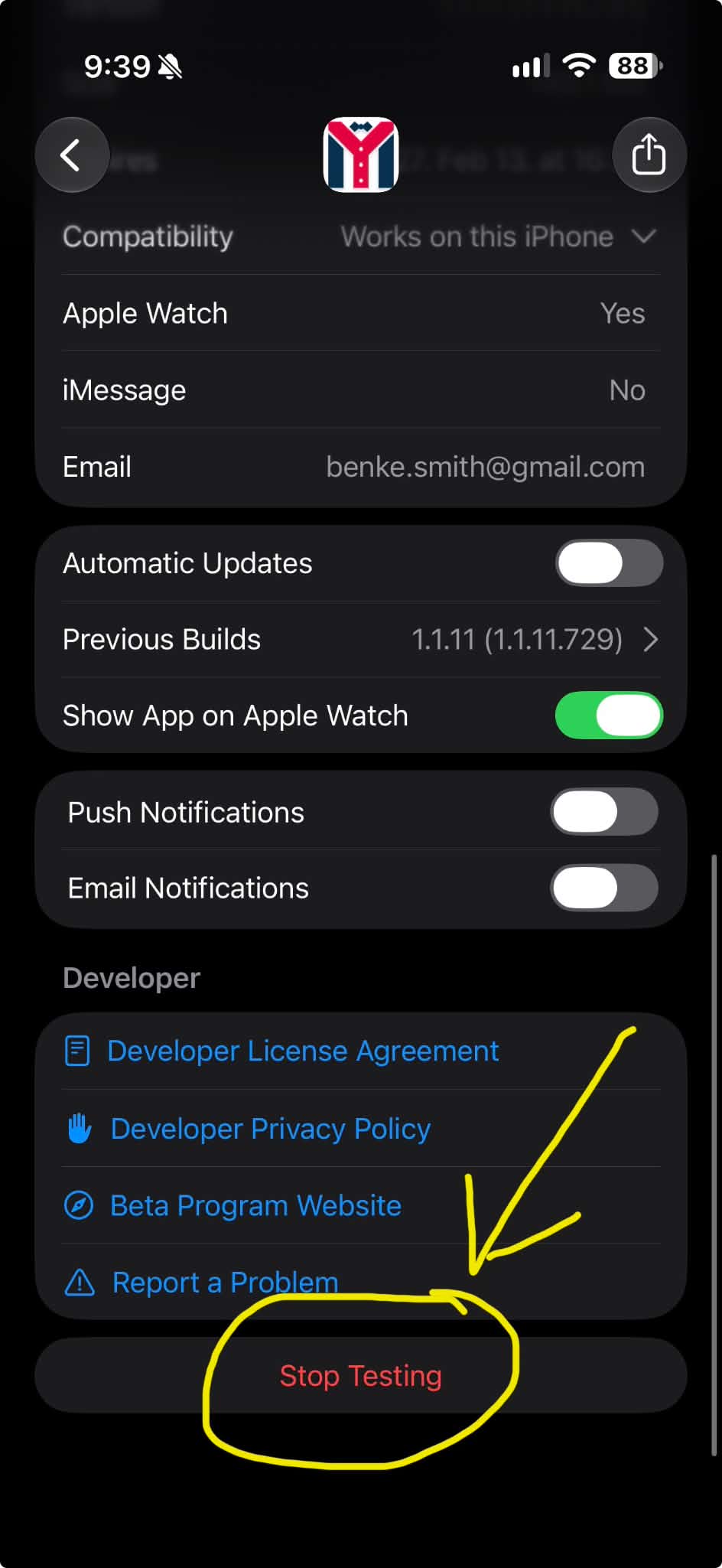
3) Select Stop Testing:
4) On the app download page, scroll down:
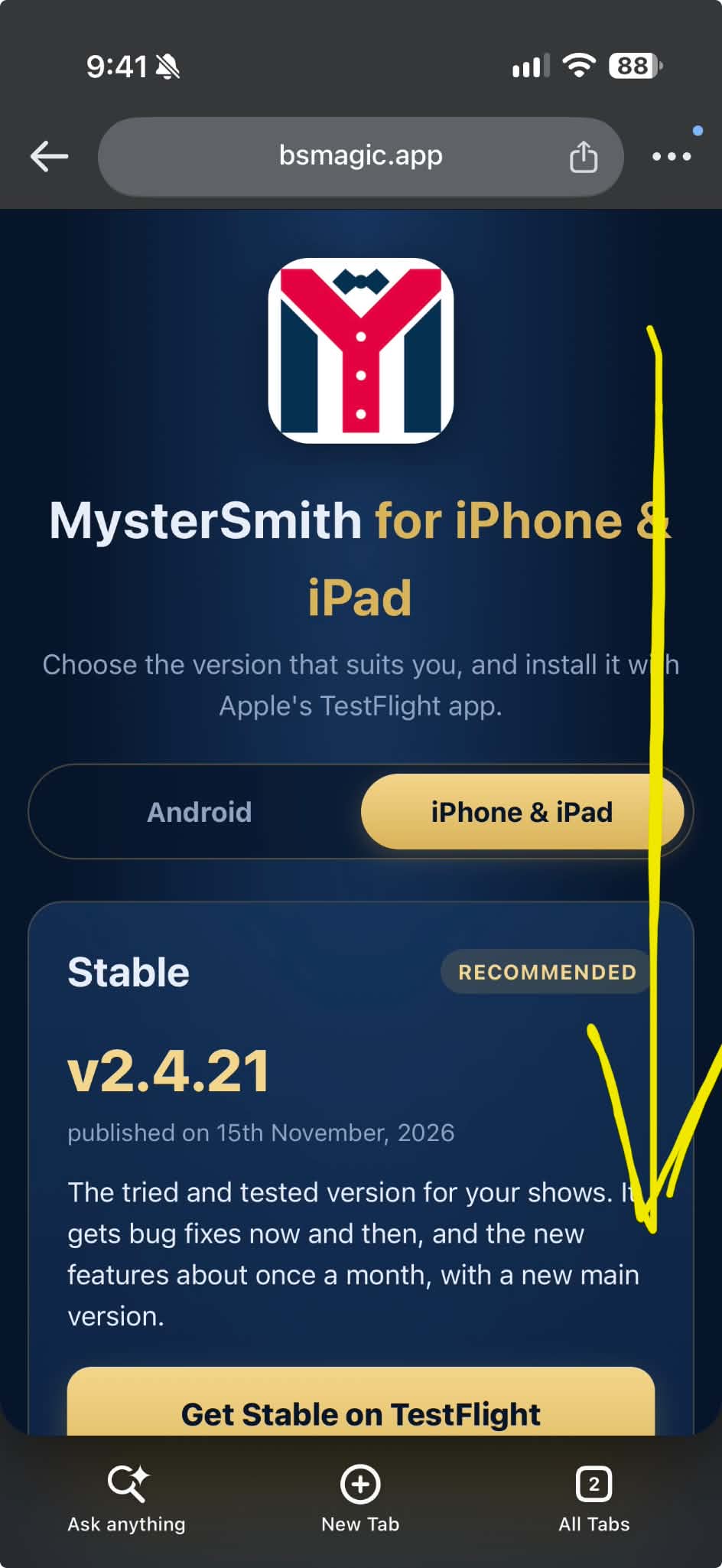
5) Select Get Experimental on TestFlight:
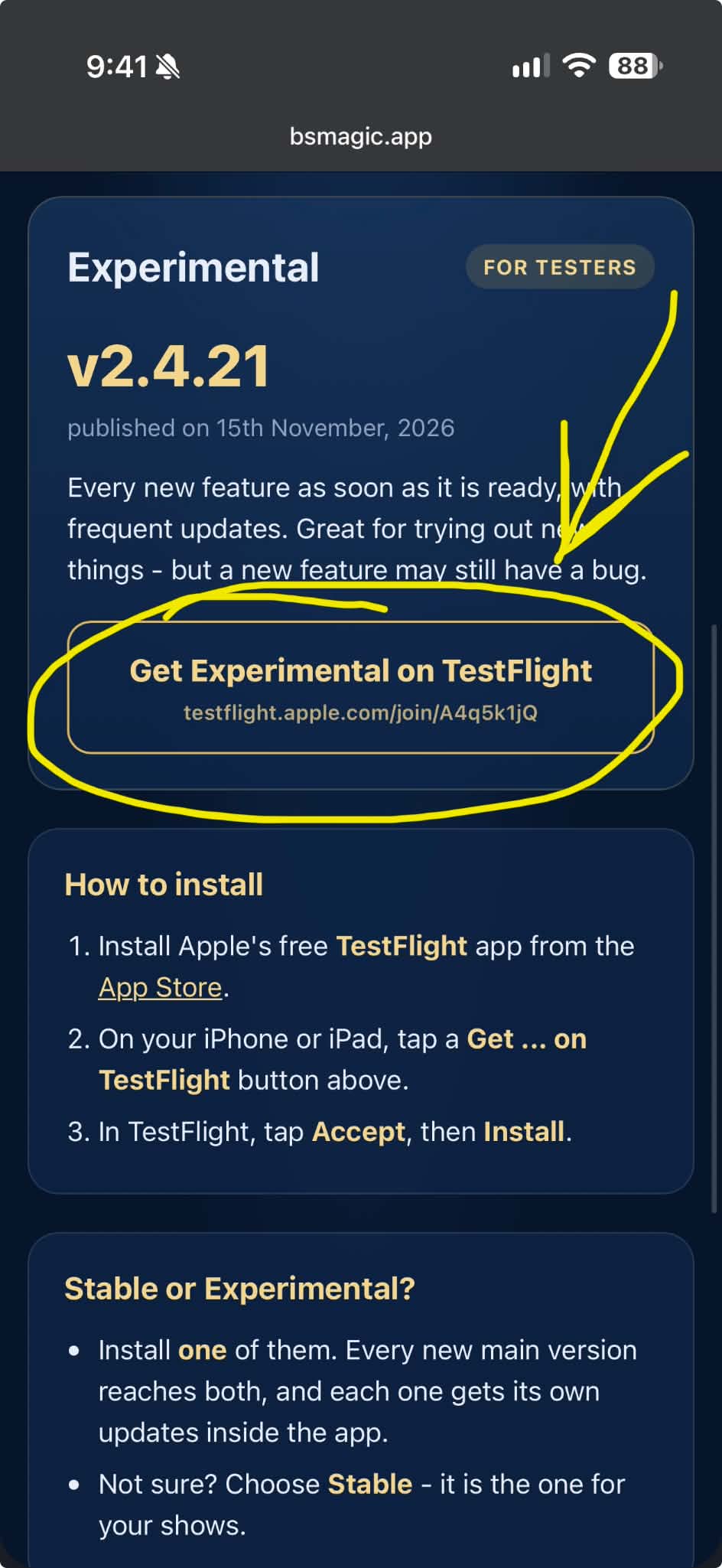
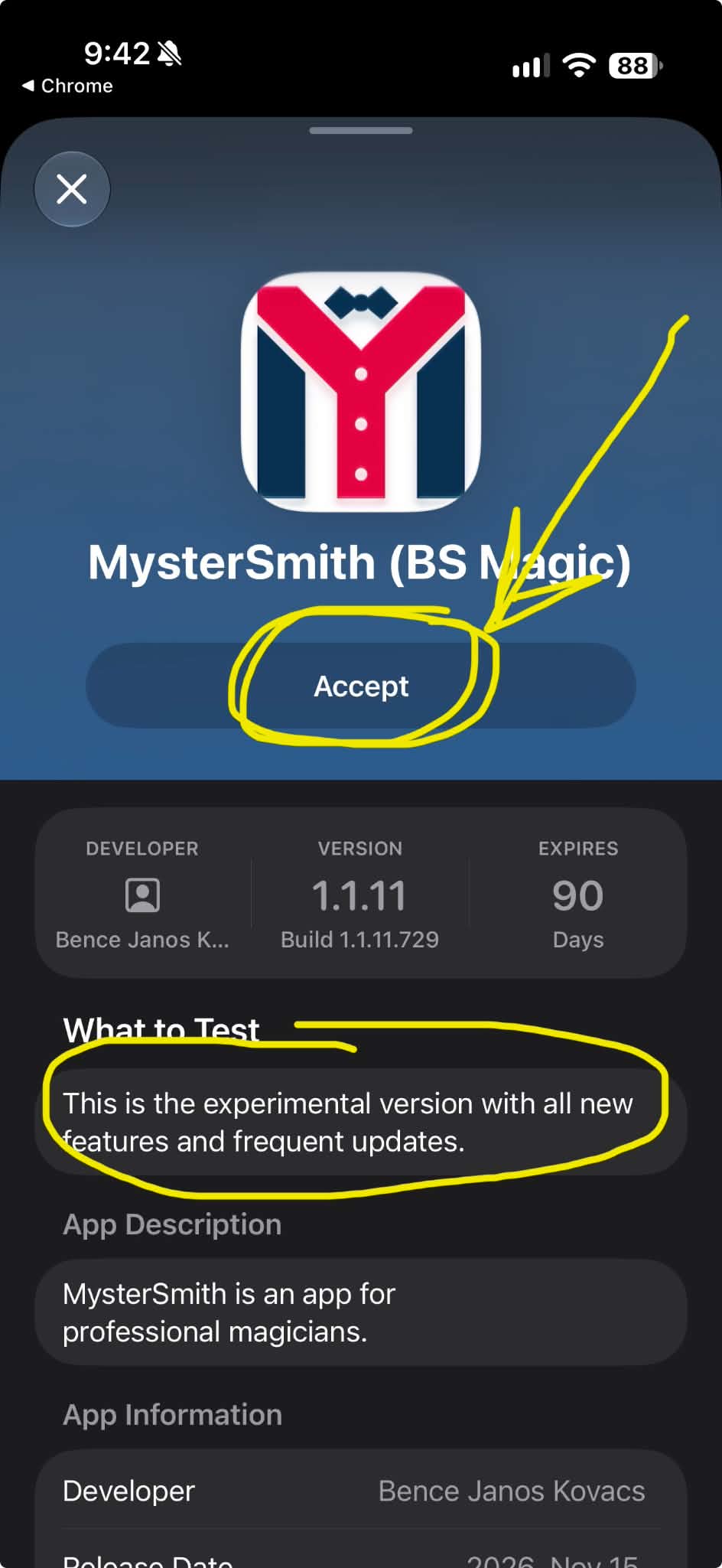
6) In TestFlight, make sure the What to Test section mentions the Experimental version, then tap Accept:
7) After restarting MysterSmith, under APP VERSION the Current release channel should show Experimental:
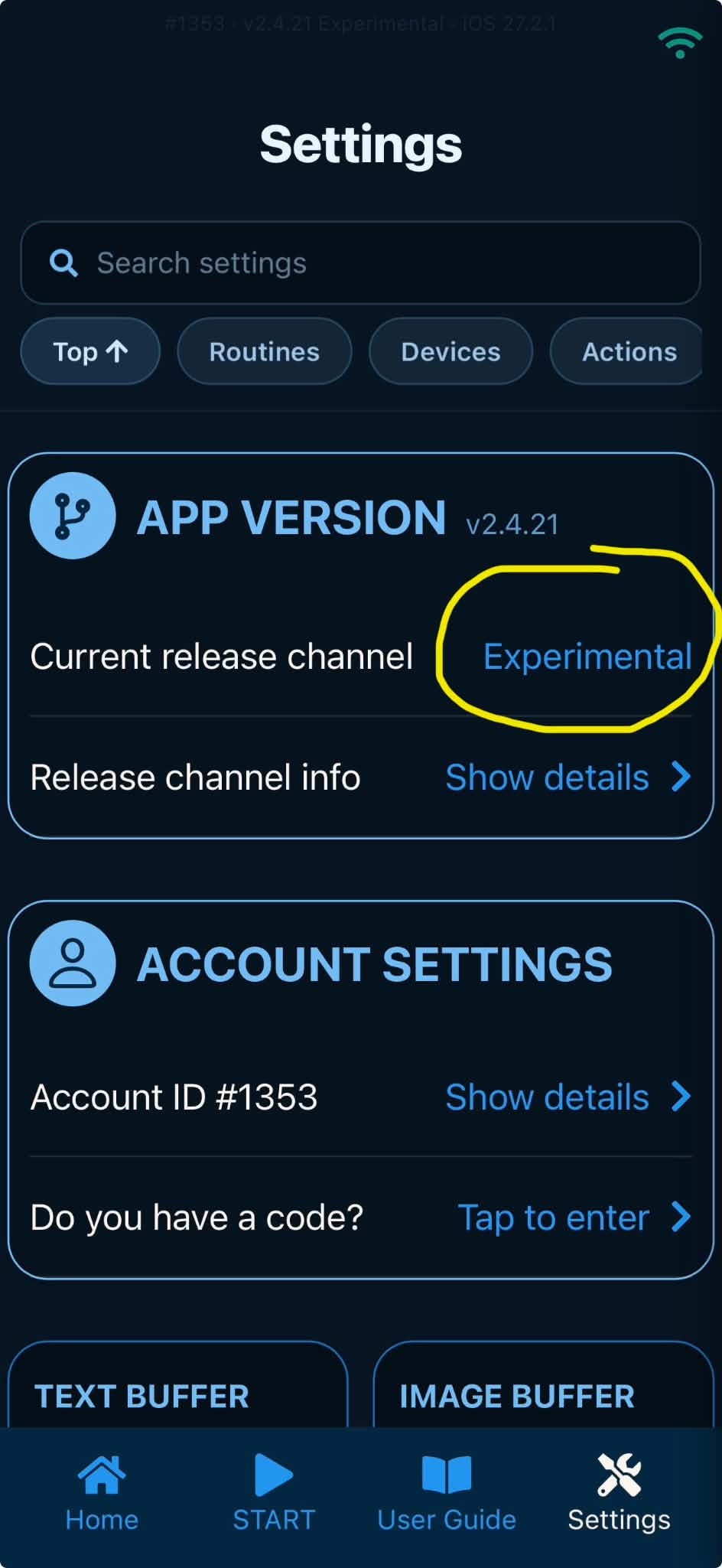
You will now receive frequent updates with all the new features and the bug fixes.
Switching back to Stable
If you want to switch back to Stable, repeat the steps, but select the Stable version on the app download page.